

No More Ping While Playing Games! The legendary tool where you determine which program consumes how much internet: NetLimiter!
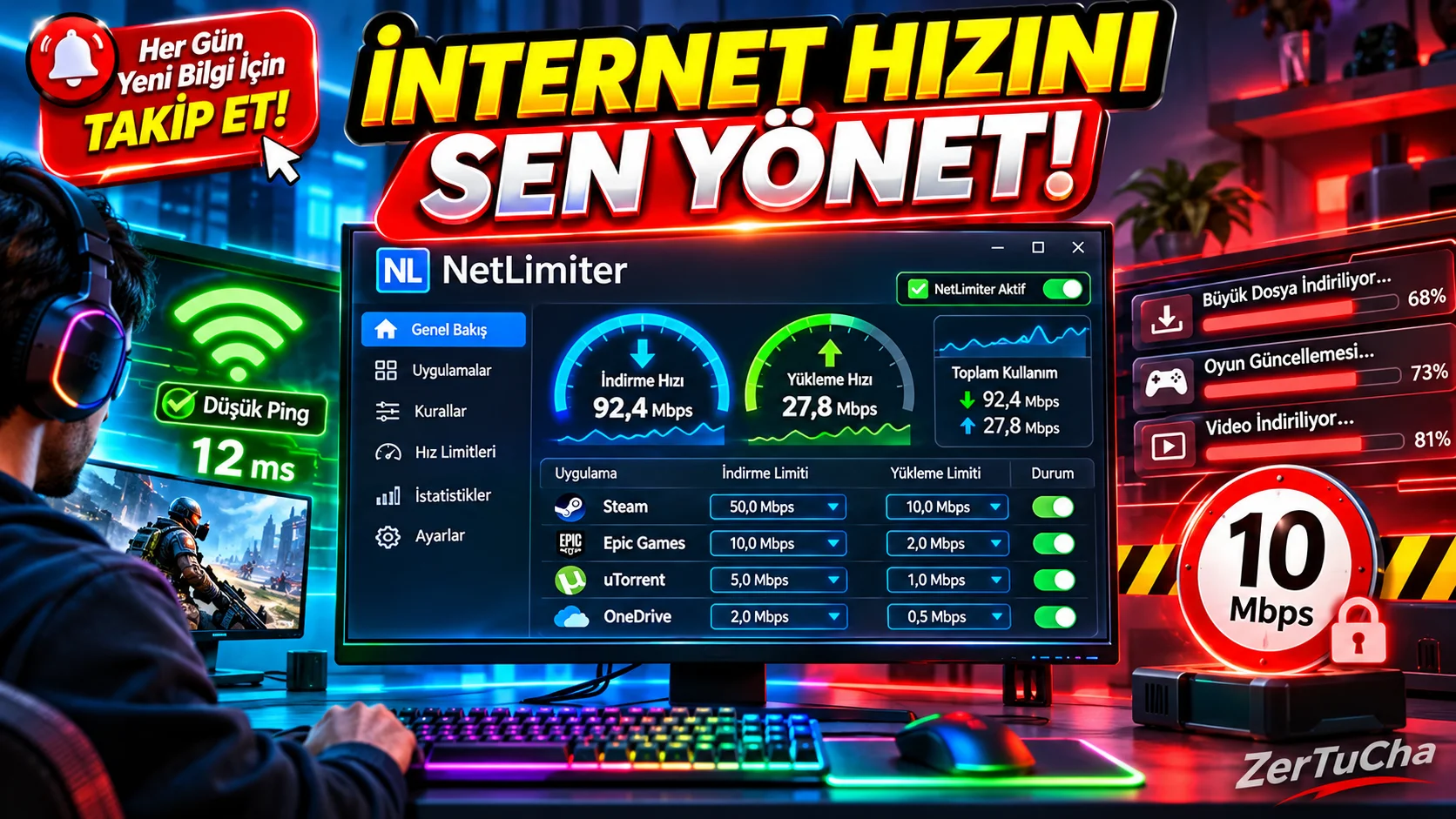
You are at the most critical moment of a competitive game, but what is that? Your ping suddenly jumped from 30 to 500! Why? Because Steam is in the background, Windows Update or a tab in the browser has started to consume all your internet speed by itself! Normally Windows will tell you "Let this program use only 20% of the internet, does not give you the chance to say "leave the rest to the game". At this point, comes into play, the undisputed king of cruise control: NetLimiter!
What is NetLimiter and What Does It Do?
NetLimiter, The most comprehensive is an internet traffic control, speed limiting (bandwidth management) and network monitoring program.
Other network monitoring programs just tell you "Look, this application is using your internet" and at most allow you to block that application completely. NetLimiter does something even more clever: Instead of closing the app or disconnecting its internet completely, speed limit (limit)!
What you can do with the program is truly life-saving:
-
Application Based Speed Limit: For example, you are downloading a 100 GB game in the background, but you want to watch 4K videos from YouTube or play online games at the same time without getting stuck. You limit Steam's download speed to 2 MB per second via NetLimiter; Thus, your internet never slows down while your download continues without stopping!
-
Advanced Firewall (Blocker): You can set rules about which application can or cannot access the internet. When a program you do not know tries to connect to the internet, it will ask you and you can block it permanently with a single click.
-
Priority: "When I am playing, all internet priority should be on my game, other programs should only use the increased speed."
-
Rules Not Exceeding Quota: You can define smart quotas for an application, such as "Automatically disconnect the internet when it consumes 5 GB of data per day."
Advantages (Why Should You Use It?)
-
Millimetric Speed Control: You can restrict not only the download but also the upload speed at the Kilobyte/Megabyte level for each program separately.
-
Final Solution to Ping and Lag Problems: It allows you to get a stable and low ping in games by restraining Windows services (for example, Delivery Optimization or OneDrive) that send data unannounced in the background.
-
Detailed Statistics and Record: From the day you installed it on your computer, which program was used at what time? archives graphs of how much data it has downloaded and uploaded.
-
Filtering and Rule Creation: Allows you to write advanced network rules, such as restricting traffic to only certain IP addresses or certain ports.
-
Does not fatigue the system: Runs silently in the background, processor and RAM consumption is almost non-existent.
Disadvantages (What Can Upset Us?)
-
Free Version Very Limited: Unfortunately, the "speed limiting" and "blocking" features, which are the most crucial features of the program, are turned off after the trial period ends; In free mode, it only works as a traffic monitoring (Monitor) tool.
-
Only Works on Windows: There is no official version for macOS or Linux users.
-
Interface is a bit technical: Not as fancy as GlassWire, has a serious dashboard look with more tables and numbers; That's why it can be a little intimidating when you first open it.
Who is it suitable for?
-
While downloading in the background Gamers and streamers fed up with pings in games,
-
Low speed internet at home or office those who have to use it efficiently for both work and downloading at the same time,
-
Wants to keep control of where every byte of data on their computer goes and how fast it goes. advanced computer users and system administrators!
Paid or Free?
NetLimiter Paid (Licensed) is a software but its official website is netlimiter.com you will get 28-day full-featured free trial. During these 28 days, you can use all features without restrictions, including speed limitation. If you do not purchase the program when the period expires, the speed limiting feature will be turned off, but you can continue to use the program as a free "internet traffic and speed monitor".




Henüz yorum yapılmamış. İlk yorumu siz yapın!
Bir Yorum Bırakın