

Turn Texts, Codes and Notes into Gorgeous Visuals in Seconds: Ray.so!
SITE NAME AND LINKS:
-
Site Name: Ray.so (by Raycast)
-
Official URL: https://ray.so/
-
Origin / Service Language: UK (Raycast Technologies Ltd. - London) / English
-
Privacy Policy: https://www.raycast.com/privacy-policy
-
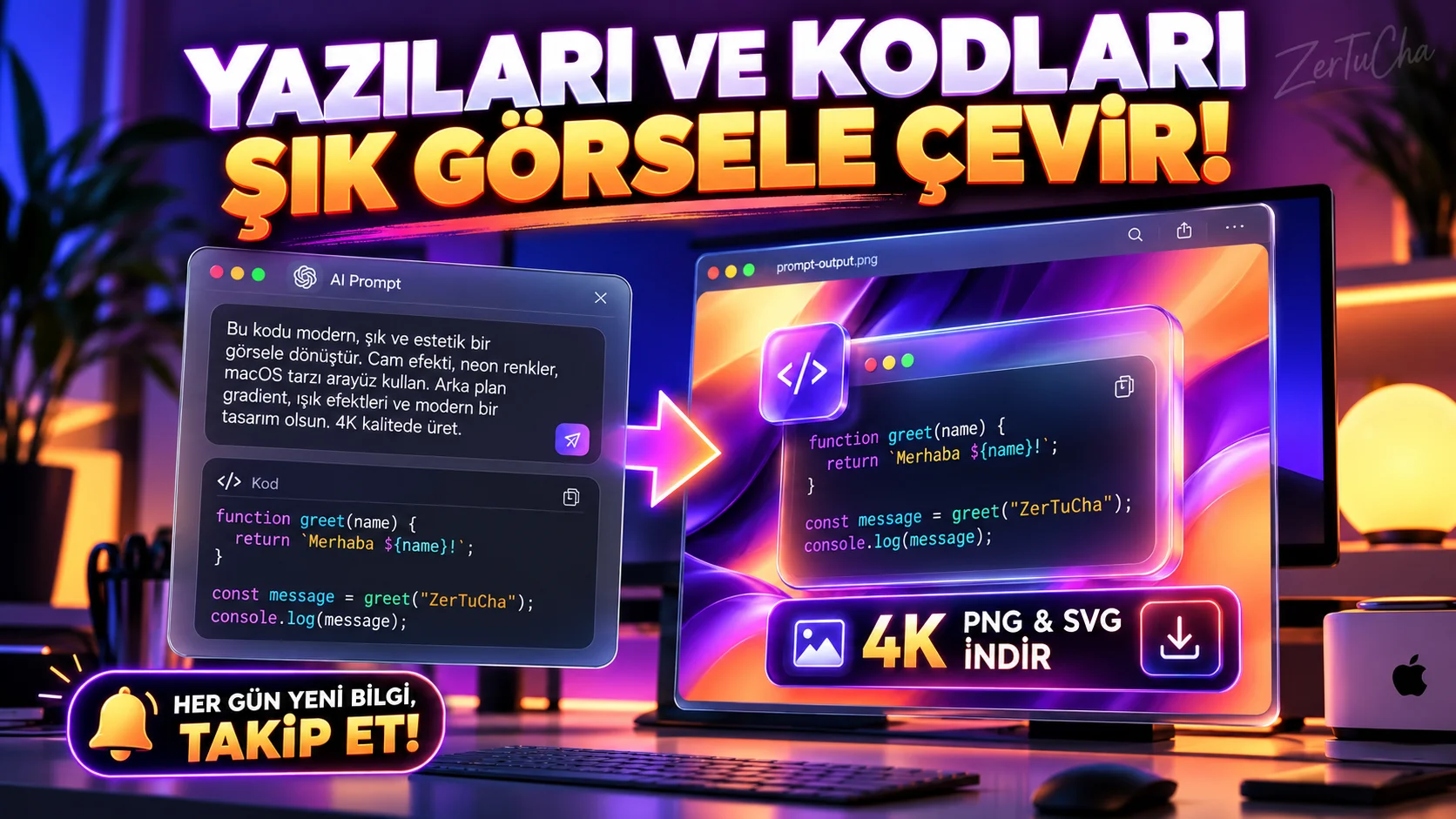
Write a an artificial intelligence prompt, a keyboard shortcut list, a terminal command, or a software code, it will look very pale, small and unprofessional. Opening the design program and adding a background gradient, macOS window frame and shadow wastes time every time. Here is the secret of how technology content producers and software developers produce these stylish visuals in 5 seconds: Ray.so!
Offered completely free by the famous productivity platform Raycast
ray.soand paste your text, prompt or code into the middle window; one click from the toolbar at the bottom pastel or neon background color transitions (Candy, Sunset, Breeze, Midnight, Vercel, Supabase, etc.), Dark/Light mode and select the window space as glass 4K (4x/6x) PNG or SVG! -
STEP BY STEP USE:
-
From your browser https://ray.so/ (No membership or login required).
-
Paste the artificial intelligence prompt, piece of code or step-by-step command text you want to share into the window in the middle of the screen; "Untitled-1" to add your own Turkish title (e.g. "video_prompt.txt" or "shortcuts.md").
-
From the control bar at the bottom of the screen "Theme" menu.
-
"Dark Mode" button, "Padding" (Margin) to
32or64and "Language"from the partMarkdown or Plaintext to ensure that the lines are wrapped properly. -
Lower right "Export" button and select the resolution 4x (High Quality PNG) or SVG; Your image will instantly download to your device without any advertising logos (or
Copy ImageCopy directly to clipboard and paste to your share).
-
-
REQUIREMENTS AND LIMITS: No memberships, credits or daily download limits. It is completely free. Additionally, Icon Maker (
ray.so/icon) tool, you can design your own application or folder icons with the same elegance, free of charge! -
PRIVACY AND SECURITY: Text coloring and conversion to images takes place directly in your browser. But the bottom right "Copy URL" button, the text you type is encoded into the link; Therefore, make sure that the codes or texts you share do not contain your real API keys, passwords or secret access tokens.
-
ADVANTAGES, DISADVANTAGES AND WHOM IT IS SUITABLE FOR:
-
Advantages: Professional macOS window aesthetic image generation in 5 seconds, ultra-clear PNG and vector SVG output up to 6x, zero watermarks and zero ads, plus free Icon Designer (
ray.so/icon) to present. -
Disadvantages: Not for very long articles (hundreds of lines); Designed for shortcodes, AI prompts, terminal commands, and summary note cards.
-
Who is it suitable for: Bloggers / YouTubers, software developers, educators and social media content creators who share artificial intelligence prompts and technology reviews.
-
-
BRIEF CONCLUSION: When sharing an artificial intelligence prompt or technical tip in your blog posts or social media posts, use
ray.so; The saving rate of your post will instantly increase!



Henüz yorum yapılmamış. İlk yorumu siz yapın!
Bir Yorum Bırakın