AI Prompt That Turns a Book Cover into a Cinematic Movie Scene
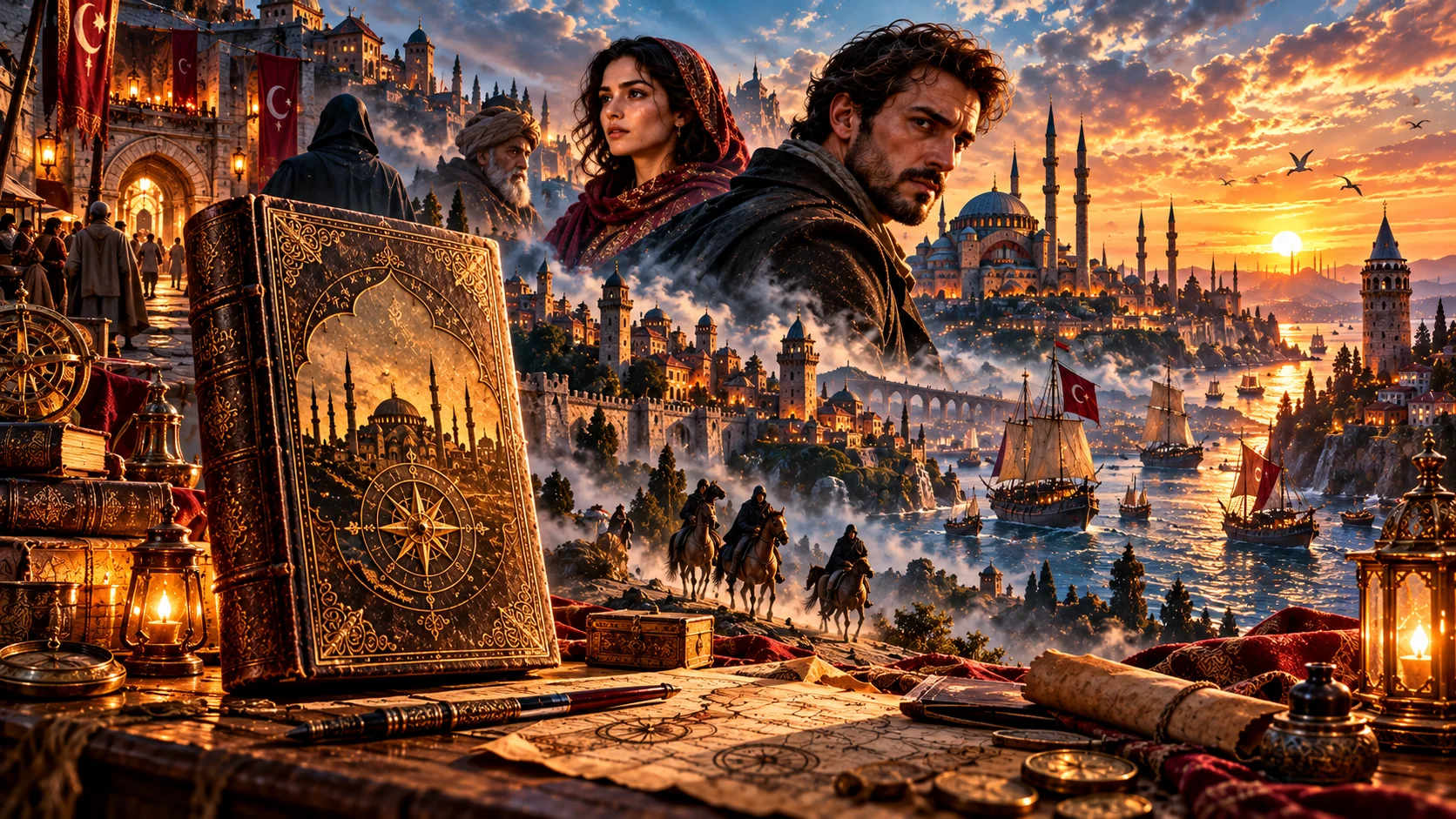
If you want to share the cover of a book or a scene from the book on social media, a cinematic scene that conveys the atmosphere of the story.
For example, you can create a dark forest in a horror novel, a magical city in a fantasy novel, or a rainy night street in a detective novel.
The purpose here is not to change the content of the book randomly, but to transforming scene description into a visual world.
How to use?
Upload the cover of the book or the relevant image as a reference and [SCENE] section to suit the atmosphere of your book.
The prompt you can use:
"Transform the uploaded book cover into a cinematic visual representation of this story: [SCENE]. Preserve the original book title, cover identity and recognizable visual elements while expanding the world around it into a detailed cinematic environment. Create realistic characters, atmospheric architecture, environmental details and dramatic lighting that match the described story. Use sophisticated film composition, realistic textures, atmospheric depth, cinematic color grading and emotional storytelling. Make the scene feel like a frame from a high-budget movie while maintaining the visual identity of the original book."
Changeable fields:[SCENE] section.
For example:
a mysterious detective walking through a rainy Istanbul street at midnight
or
a young hero standing in front of an enormous magical castle at sunset
Usage tip:
If you do not want the text on the cover of the book to change, “preserve the original book title”. However, keep in mind that text may be distorted in AI-generated images; If necessary, adding the original cover of the book to the design later may provide a cleaner result.