

Turn iPhone into a Simpler Phone: Feature the Apps You Want!
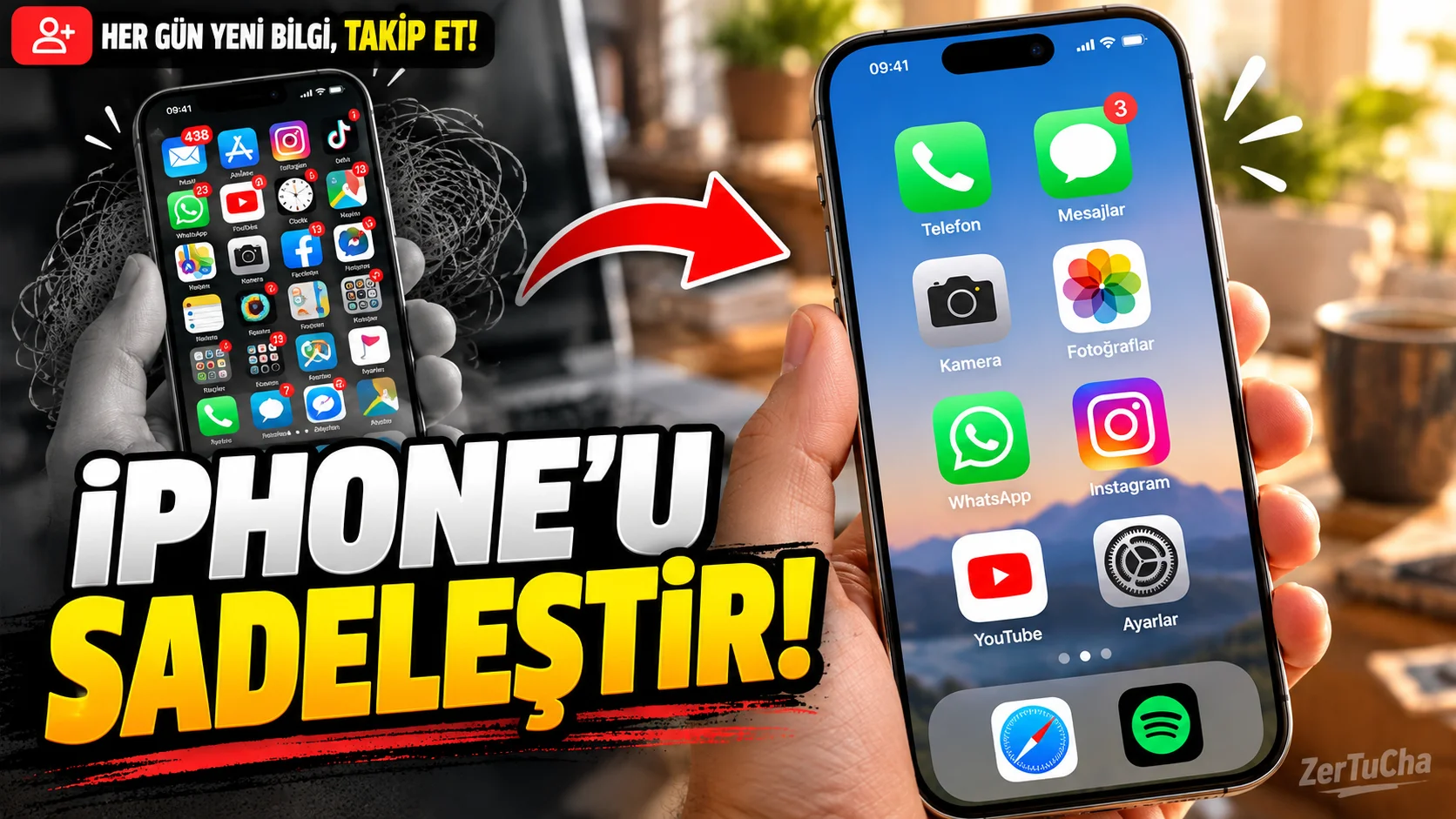
Sometimes having too many menus, apps and options on a phone makes things harder rather than easier. Especially if you are preparing a phone for a family member who is not good with technology, even finding the application he is looking for may be a problem.
Apple's Assistive Access feature is designed to simplify the iPhone experience. It offers larger on-screen elements and more focused usage in supported applications. It was developed specifically for people with cognitive accessibility needs; However, users who want a simpler interface can also consider this feature. Apple Support
How to install?
1. Open Settings.
Follow this path:
Settings > Accessibility > Assistive Access
2. Start the installation.
Set Auxiliary Access and continue.
3. Determine the applications to use.
During installation, you select the applications that can be offered in this usage format. Not adding applications that the person using the phone does not need can make the interface more understandable.
4. Select the home screen layout.
Select the appropriate layout options provided during installation. Apple's guide includes options like line layout; Larger, easier-to-understand elements can be displayed in supported applications.
5. Complete the security settings.
Carefully determine the device's lock settings and the password required for Assistive Access. Forgetting the password may cause problems when entering or exiting this mode.
6. Start usage.
When the installation is completed Get Started option.
7. Return to the normal interface.
Triple-press the side button on iPhones with Face ID, or triple-press the Home button on other supported models. Exit Auxiliary Access and enter the required password. Apple Support
Who is it useful for?
- Those who want a simpler phone interface
- Those who get lost among many menus while using the phone
- People with accessibility needs
- Those who want to create a more focused phone experience for their family members
Important detail
This feature is not a parental control or a security system that prevents all dangers. It is necessary to set correctly during installation which applications can be used and how to exit the mode.


Henüz yorum yapılmamış. İlk yorumu siz yapın!
Bir Yorum Bırakın