

Inaturalist: Try to Identify Plants and Animals You See in the Garden or on a Walk
Site name and links
- Official site: iNaturalist
- Official help center: iNaturalist aid and observation search guide
- Location privacy: iNaturalist location privacy disclosure
- Origin: International
- Usage language: English predominant; The help center offers content in multiple languages
Not knowing the name of the plant you see in the park does not prevent you from wondering about it
During a walk, you came across a flower you had never seen before. Or you wondered what species of insect is in your garden.
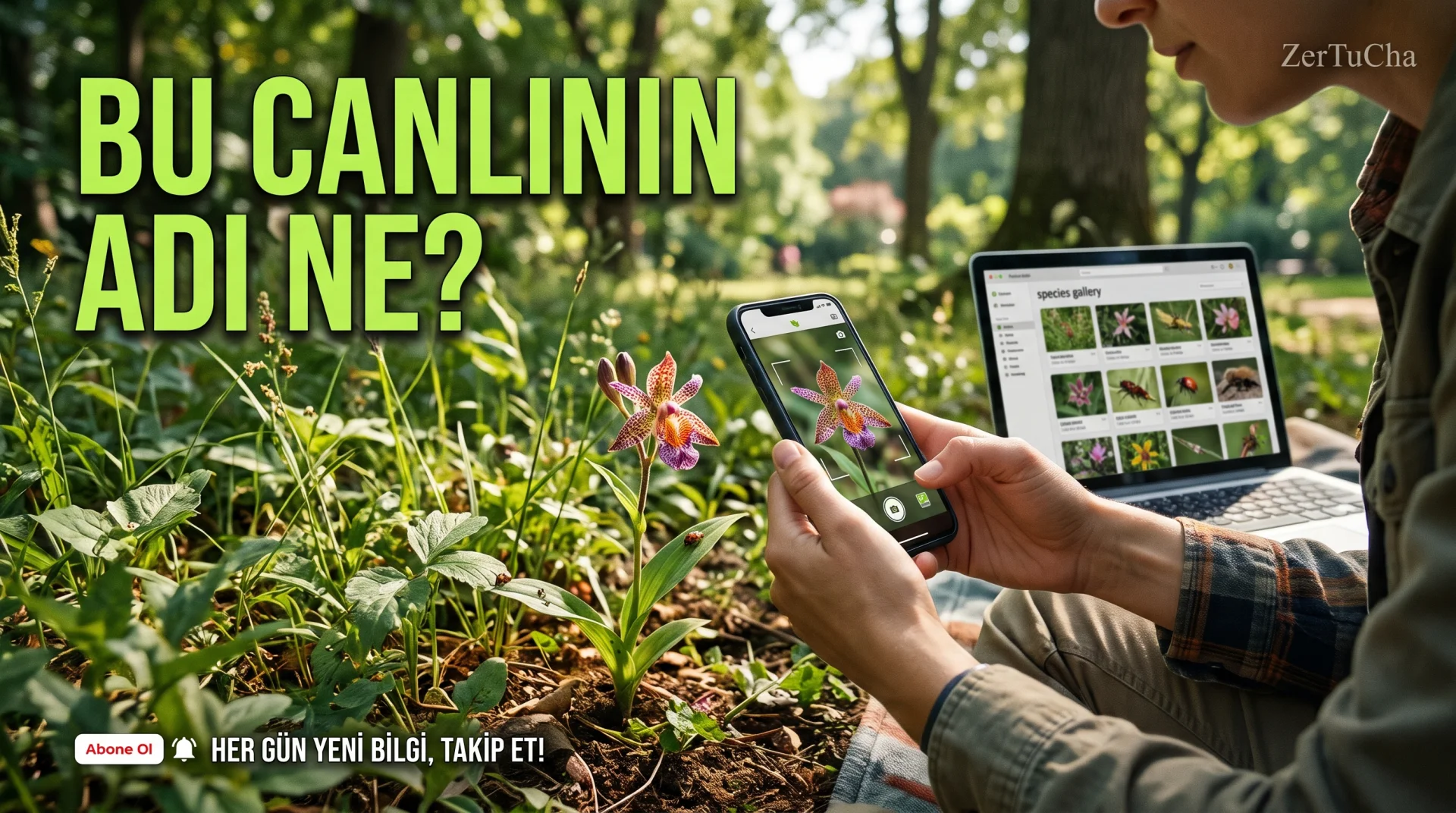
In such cases, you can use iNaturalist. By sharing the photo and observation information, you can contribute to the process of identifying the species and see the evaluations of other nature enthusiasts.
The nice thing about this platform is that it doesn't just try to satisfy personal curiosity. Shared observations can also be used in scientific research when evaluated appropriately.
There's an important distinction, though: Getting a suggestion about a species doesn't mean it's definitively defined. Do not rely solely on a description on the internet, especially when dealing with poisonous plants, fungi or dangerous animals.
Step by step usage
- Open iNaturalist.
- Explore section.
- Use the search and filter options if you want to research a specific species or region.
- Create an account to share your own observation and proceed to the adding observation section.
- Select the photo you took; Check observation information such as date and location.
- Check out the type definitions suggested by the platform.
- Follow the definitions and corrections made by community members.
- If you don't want the location of your observation to be public, review the location privacy options before sharing.
Requirements and limits
- You can use the website to research the observations.
- Account required to share your own observations.
- Correct identification of every living species is not guaranteed.
- Some species are difficult to distinguish from photographs and may require expert evaluation.
Privacy and security
Observations shared on this platform are generally public. For location information Open, Obscured and Private. However, even if location privacy is used, obvious markings or descriptions in the photo may reveal the true location. iNaturalist Help
Use caution when sharing observations about your private garden, home, or sensitive natural area.
Advantages, disadvantages and who is it suitable for?
Advantages
- Makes it easy to explore nature and learn about species.
- Provides species identification support through the community.
- It may contribute to scientific observation studies.
Disadvantages
- Not all descriptions may be accurate.
- Shared observations may be publicly available.
- It is necessary to use location privacy settings carefully.
Who is it suitable for? For nature enthusiasts, hikers, students, teachers and those interested in biodiversity.
Quick conclusion
If you are curious about a creature you see in nature, search for similar observations on iNaturalist. If you would like to share your own observation accuracy of species identification and location confidentiality consider together.




Henüz yorum yapılmamış. İlk yorumu siz yapın!
Bir Yorum Bırakın