

Continue Messaging Even If the Internet Goes Out: Briar
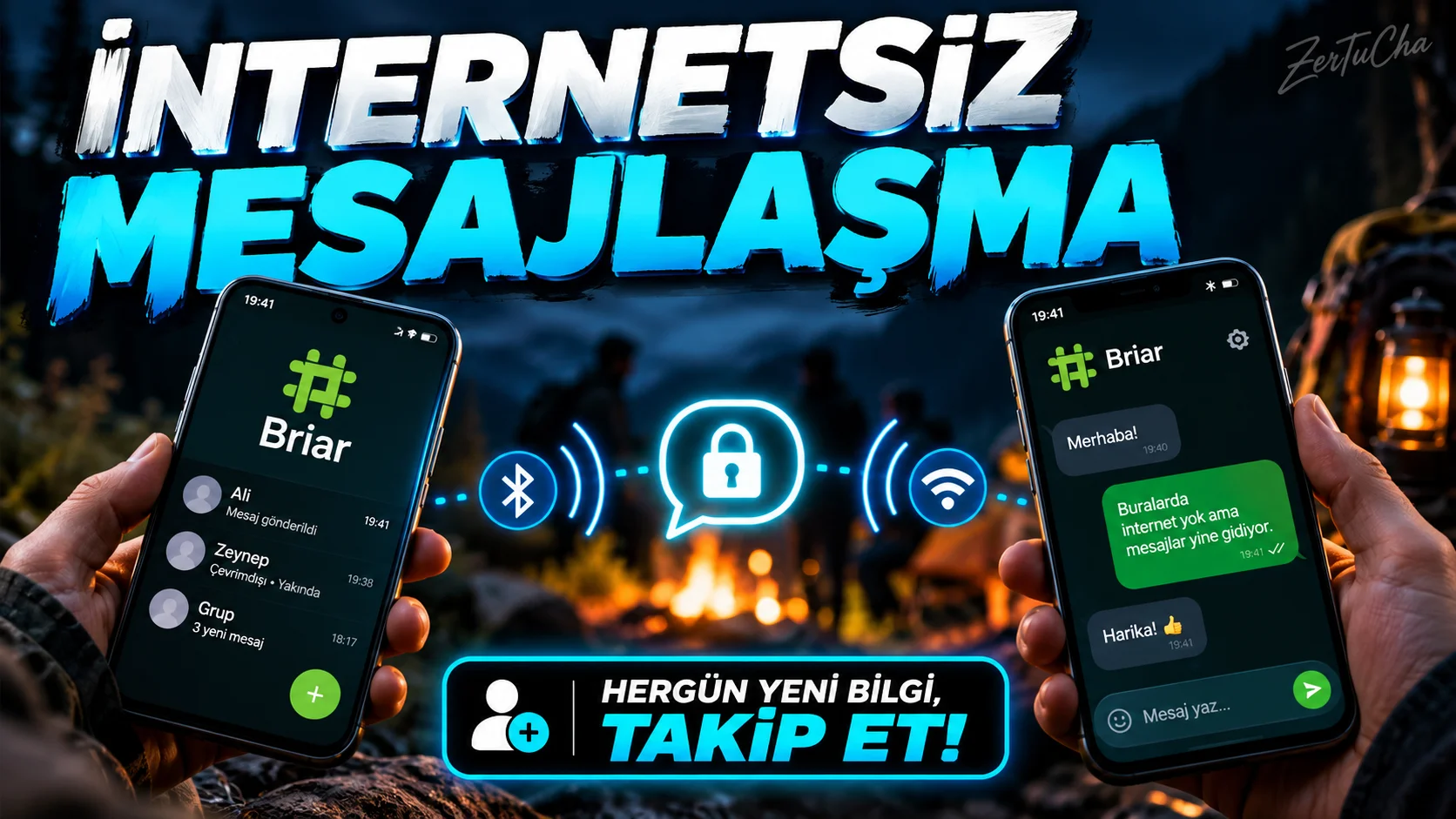
Application name and official links
Briar is an open source Android application designed to communicate without relying on a central messaging server.
Platform and version information
| Feature | Verified information |
|---|---|
| Platform | Android |
| Minimum version | Android 5.0 |
| Latest version information | F-Droid logs show different versions |
| Category | Messaging not dependent on central server |
| Development | Open source project; official development channels available |
Update note: On F-Droid's Turkish page, version 1.5.19 is listed as July 15, 2026, while in another regional F-Droid record, version 1.5.21 is listed as October 2, 2026. Therefore, the safest approach is to use the official download page for the current version number.
Can you continue messaging when the internet is down? For most people the answer is no. But Briar takes a different approach to this problem.
Briar is an open source Android application that does not have to transmit messages through a central server. When there is no internet connection, it can synchronize messages between devices via Bluetooth or Wi-Fi under suitable conditions. It can also communicate via the Tor network when there is internet.
There is an important detail here: This application is not a magic system that sends messages anywhere in the world without the internet. The other person must also use Briar and the devices must be able to connect under suitable conditions.
It is worth checking out, especially if you care about privacy or are looking for a communication alternative in environments where the connection may be interrupted. Just installing the application is not enough; I recommend that you test the matching and messaging process with your friend beforehand.
The real problem it solves
You want to communicate in an environment where the internet is not available or unreliable. Briar uses a synchronization approach between devices rather than running communication through a central server.
Communication can be established via Bluetooth or Wi-Fi when there is no internet connection. When there is internet access, there is an option to communicate via the Tor network. F-Droid
Concrete features
- Encrypted messaging with contacts.
- Using supported Bluetooth or Wi-Fi connections without internet.
- Communication via Tor when there is internet.
- Adding contacts using methods such as QR codes.
- Easier delivery of messages when the person is offline with the optional Briar Mailbox component.
Important: Just because it works over Bluetooth or Wi-Fi doesn't mean you can send messages to anyone anywhere in the world without internet. The two devices must be able to reach each other under appropriate connection conditions. Briar
Why is it worth trying?
Briar's difference isn't just another chat app. It also takes into account situations where the network connection is lost or access to central services becomes difficult.
Advantages and disadvantages
Advantages
- Open source.
- Design that does not depend on the central messaging server.
- Offline communication under supported conditions.
- It is not dependent on the traditional account system that works via phone number.
Disadvantages
- It may not directly replace the messaging applications that everyone uses.
- People need to install the app and match appropriately.
- Battery optimizations and connection settings may become important in order to receive messages in the background.
Who is it suitable for?
Suitable: For those who care about privacy, for travelers, for those looking for a communication alternative in environments where the connection is interrupted from time to time.
Not applicable: For those who want to continue with a single messaging network that all their friends already use, or for those who expect instant message delivery over the internet in any case.
First steps after installation
- Get the app from the official site, Google Play or F-Droid.
- Create your local profile.
- Establish the connection by trying to add a contact via Briar with a friend.
- Send message when there is an internet connection.
- Try syncing over Bluetooth or Wi-Fi when you're both in good conditions.
- Check that notifications and background work are not blocked on your device.
Official download options and installation instructions are available on Briar's own site. Briar
Permissions, privacy and offline use
F-Droid registry lists network information, permissions associated with Wi-Fi and Bluetooth connections. Depending on the version used, camera, notification and battery optimization permissions may also be required.
- Account: Local profile is created; does not depend on a traditional central user account.
- Offline: Message synchronization via Bluetooth or Wi-Fi is possible if suitable devices and connection conditions are available.
- Security: Although being open source is a positive feature, it does not eliminate the risks such as hacking the phone, taking screenshots or showing the person's messages to someone else.




Henüz yorum yapılmamış. İlk yorumu siz yapın!
Bir Yorum Bırakın