

Click Whichever Muscle Pains You and See the Exercise at Home/In the Gym: MuscleWiki!
SITE NAME AND LINKS:
-
Site Name: MuscleWiki
-
Official URL: https://musclewiki.com/
-
Origin / Service Language: Multi-language support including US / Turkish (Language selection and visual body map are available in the interface)
-
Automatic Workout Creator: https://musclewiki.com/generator
-
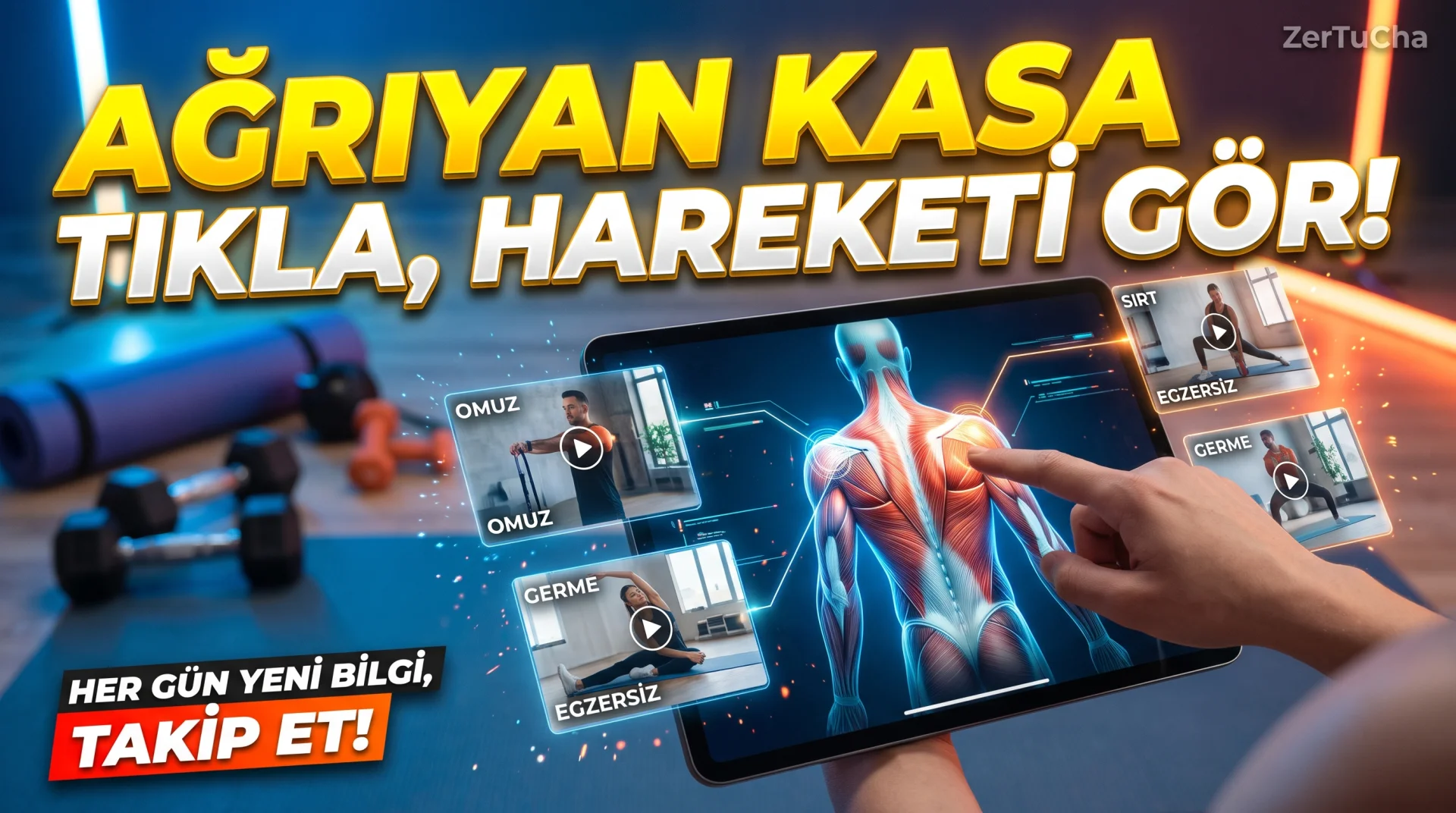
Do you ever search for videos on YouTube for hours because you don't know the English/Latin technical names of the exercises when your back or neck gets stiff from sitting in front of the computer all day, or when you want to exercise your arms, abs or legs at home with two small dumbbells in your hands (or just your own body weight)? Moreover, in most videos, how to do the movement is shown for only 5 seconds in a 10-minute conversation. Here MuscleWiki, "You don't need to know the exercise name, just click on the muscle you want to work or stretch!" It is a tremendous visual guide that works with logic.
When you open the site, you will see an interactive human body muscle map appears. From the top row, select your equipment (for example Bodyweight, Stretches, Dumbbells / Dumbbell or Yoga) and click on your back, shoulder or leg on the body map; High quality, ad-free, short videos shot from every angle, of movements that target only that muscle, are presented to you with step-by-step explanations!
-
STEP BY STEP USE:
-
From your browser https://musclewiki.com/.
-
In the equipment bar at the top of the screen, select the appropriate option for your situation: For desk eclipses, for example "Stretches", for equipment-free sports at home "Bodyweight" or "Dumbbells".
-
Female (Female) or Male (Male) the muscle group you want to exercise or stretch on the body model (e.g. upper back / Traps, waist / Lower Back, abdomen / Abdominals or hind leg / Hamstrings).
-
The difficulty level on the page that opens (Beginner, Intermediate, Advanced); Check out the correct posture steps below each video.
-
If you would like it to create a special daily or weekly program for you in 30 seconds instead of a single movement, click "Generator" (
[musclewiki.com/generator](https://musclewiki.com/generator)) tab; Create your ready-made training list without signing up by selecting your equipment and target muscles.
-
-
REQUIREMENTS AND LIMITS: You can access 2,000+ exercise videos, muscle maps and workout creators for free without signing up. Optional account/subscription options are available for those who want to keep their past training records in the cloud and use advanced tracking tools.
-
PRIVACY AND SECURITY: You do not need to enter any personal or health data when using without membership. Important Health Warning: MuscleWiki is a general fitness, stretching and exercise form library; It is not a substitute for a medical diagnosis or physical therapy prescription. If you have a lumbar/cervical disc herniation, joint injury or chronic illness, be sure to consult your physician or physiotherapist before performing any exercise.
-
ADVANTAGES, DISADVANTAGES AND WHOM IT IS SUITABLE FOR:
-
Advantages: Ease of finding the exercise by clicking directly on the muscle without knowing the name, 2,000+ clear and short videos, home equipment-free (Bodyweight and Stretching) options, program creator that works without membership.
-
Disadvantages: Some detailed written descriptions may be in English, but the videos are shot very clearly from all angles (front and side) so they are visually understandable immediately.
-
Who is it suitable for: Those who work long hours at a desk (for stretching), those who want to exercise at home with their own means, those who are new to the gym and physical education/coaching students.
-
-
BRIEF CONCLUSION: To properly stretch your back and neck after working at the computer for a long time or to do a 15-minute equipment-free exercise at home,
musclewiki.comand "Stretches" or "Bodyweight" tab and click on the body map!



Henüz yorum yapılmamış. İlk yorumu siz yapın!
Bir Yorum Bırakın