

Delete Unwanted People and Texts from Photos with Brush: Cleanup.photo!

SITE NAME AND LINKS:
-
Site Name: Cleanup.photo (or ClipDrop Cleanup.pictures)
-
Official URL: https://cleanup.photo/ (Alternative AI Studio: https://cleanup.pictures/)
-
Origin / Service Language: Foreign / English
-
User Guide and Privacy:
cleanup.photoon the home pageGuides, FAQ and Privacy sections.
-
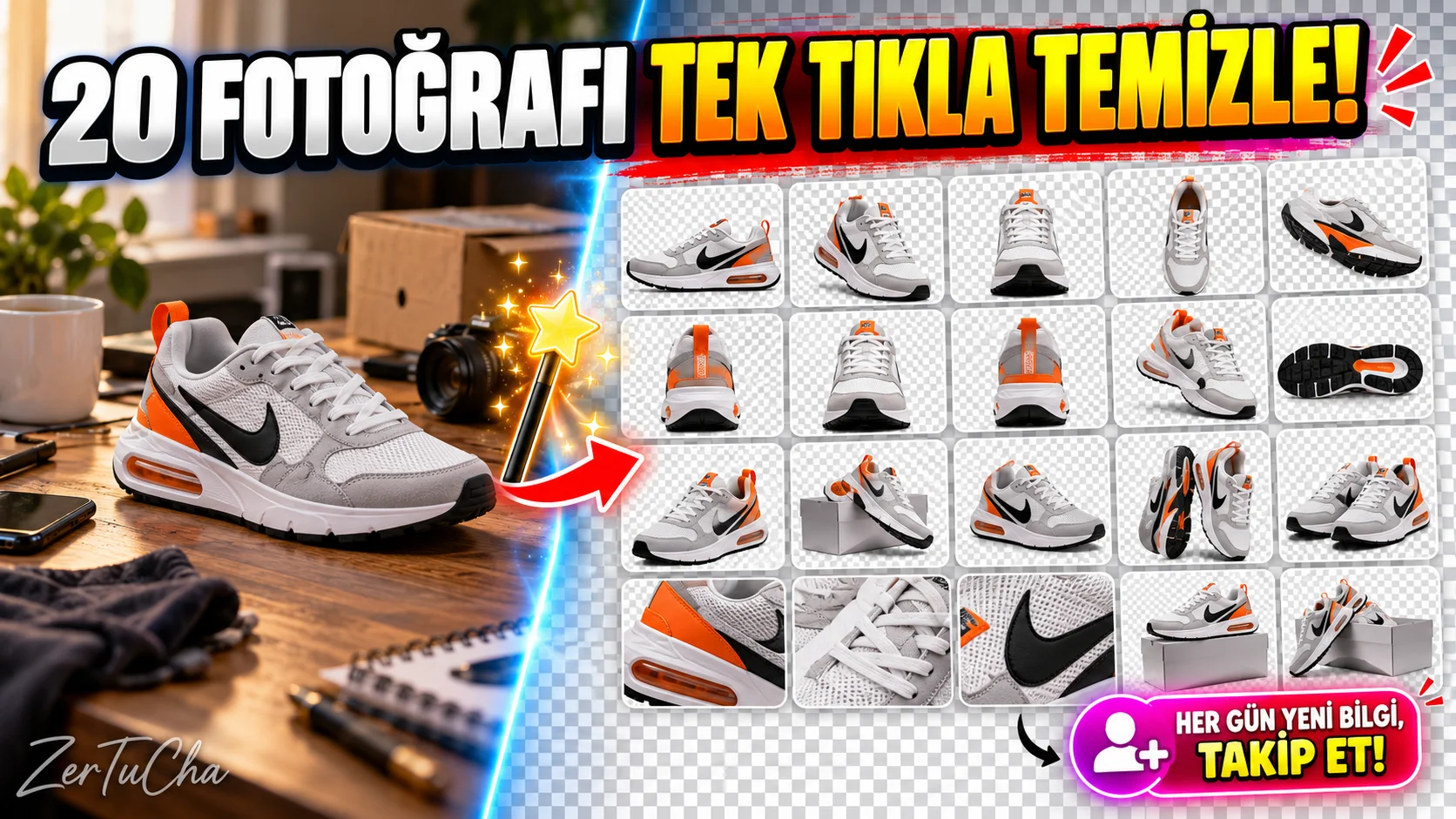
To completely erase the background of a product photo and make it transparent BgEraser; well he wants the background to remain, but he can only see a foreign tourist entering the corner of the photo, a trash can on the ground, a plug cord, a car license plate or an old date stamp/writing on the photo without damaging the background texture? Classic eraser tools turn the area you erase into a blurry stain. Here is artificial intelligence supported Cleanup.photo automatically redraws what should be behind the object you deleted (wall texture, sea horizon, grass or wooden table) and repairs the photo as if that object was never there!
Use is simply child's play: You drag and drop the photo onto the page, paint over the object or text that bothers your eyes with a neon yellow brush, then remove your finger and in 2 seconds that object evaporates! Moreover, you can instantly download the cleaned version of your photo without having to register, enter an e-mail, and without printing any advertising logos on your photo.
-
STEP BY STEP USE:
-
From your computer or phone browser https://cleanup.photo/ (or
cleanup.pictures) -
Select the photo (JPG, PNG, WebP) you want to edit by clicking or dragging and dropping in the upload area in the middle of the screen.
-
From the toolbar at the bottom Brush Size according to the size of the object you want to erase (For thin cables or small blemishes, adjust the screen Zoom / Zoom in key).
-
Paint the person, object, sign or text you want to remove from the photo with the brush, slightly wider so that it does not overflow, and release the mouse.
-
AI will destroy the object by reweaving the background within 2-3 seconds; top right "Compare" key, then "Download" button.
-
-
REQUIREMENTS AND LIMITS: No membership, email registration or credit card required. It works with touch on both desktop computers and mobile phone browsers. If
cleanup.pictures, free downloads are limited to 720p resolution (requires Pro for HD);cleanup.photo. -
PRIVACY AND SECURITY: Since the AI Inpainting process requires high graphics processing power, your photo is instantly sent to the rendering server (API) and the cleaned result is returned to your browser. According to the site's official privacy and FAQ statement, uploaded photos will not be published in a public gallery or used for advertising purposes. However, since cloud-based processing is performed, it is recommended that you use it for landscape, real estate, product and social media photos instead of ID documents, private family/child photos or confidential documents. Additionally, you should only remove watermarks/texts on images that you own.
-
ADVANTAGES, DISADVANTAGES AND WHOM IT IS SUITABLE FOR:
-
Advantages: Instant use without membership, automatic background texture completion with artificial intelligence without dealing with the cloning stamp, one-finger operation even in the phone browser, download without watermark.
-
Disadvantages: May have difficulty guessing the background when deleting very large objects that take up half the photo (it does very well with small and medium-sized objects, cables, text, and people in the background).
-
Who is it suitable for: Those who want to delete the crowd in the holiday photo, those who clean the clutter in the real estate / house listing photo, e-commerce sellers and content producers.
-
-
BRIEF CONCLUSION: Don't throw away a beautifully taken photo of yourself because of a stranger passing behind you or a cable on the ground;
cleanup.photoand draw over it with the brush and save your photo in 3 seconds!



Henüz yorum yapılmamış. İlk yorumu siz yapın!
Bir Yorum Bırakın