

AI Prompt that Turns Your Photo into a Cinematic Movie Scene
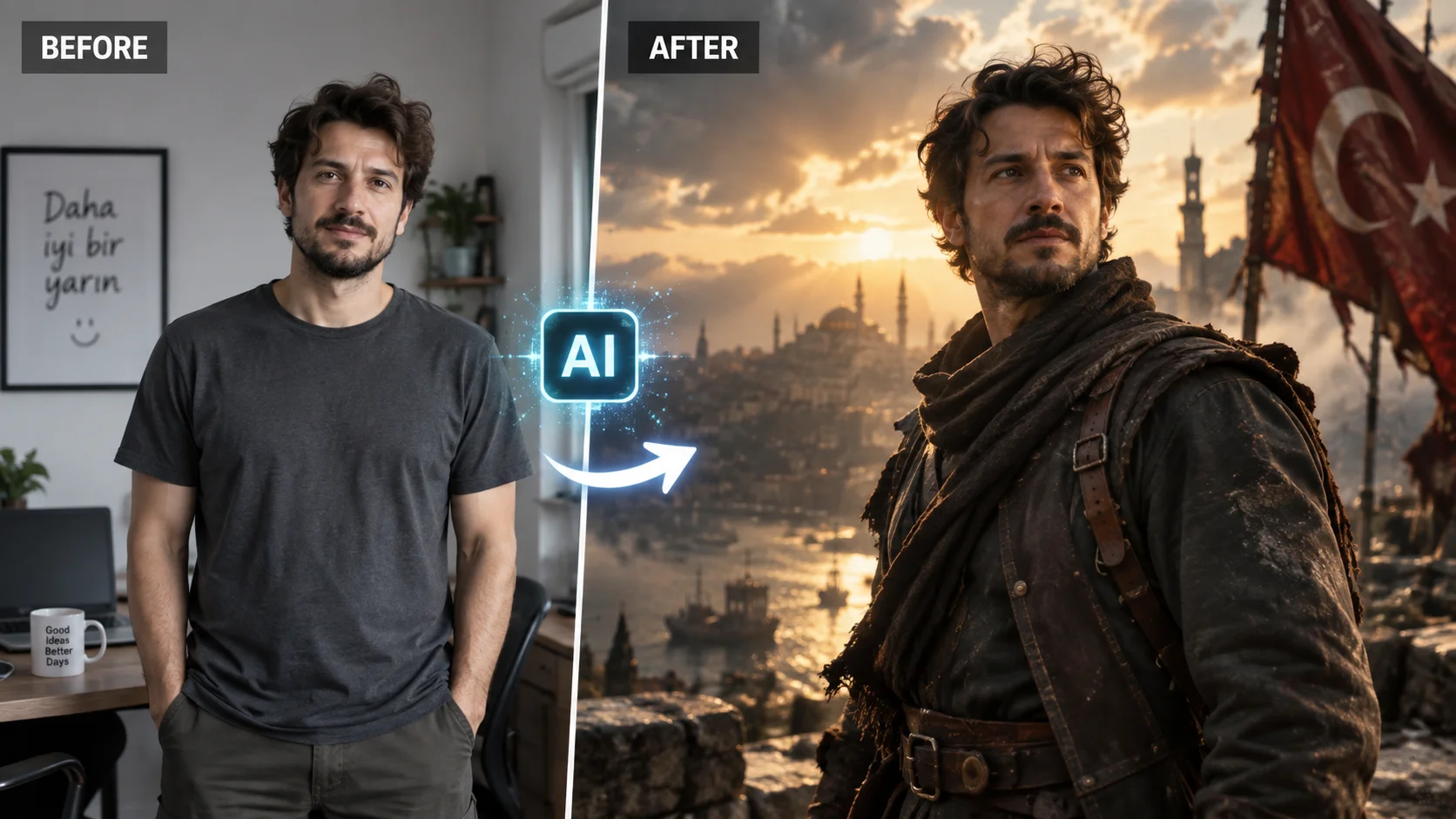
To make a normal photo look more cinematic and professional, you can ask the AI to change the atmosphere of the photo.
The purpose of this prompt is to protect the main person or object in the photo while lighting, color atmosphere, camera look and background feel to bring it closer to the cinema stage.
It can be used especially when preparing profile photos, stories or content images on social media.
How to use?
Upload your photo to the AI tool that supports visual editing and follow the prompt below.
The prompt you can use:
"Transform the uploaded photo into a cinematic movie scene while preserving the exact identity, facial features, pose, clothing and main subject. Enhance the scene with dramatic cinematic lighting, realistic shadows, subtle atmospheric depth, natural skin texture, professional color grading, soft background separation, realistic lens characteristics and a premium film aesthetic. Use a 35mm cinematic camera look, shallow depth of field, natural highlights and realistic contrast. Keep the result photorealistic and believable, avoiding excessive effects or artificial facial changes."
Changeable fields:
For a different camera feel “35mm cinematic camera look” section.
For example:
35mm cinematic camera look50mm portrait lens look85mm cinematic portrait lens
Usage tip:
If you do not want the face of the person in the photo to change, click “preserving the exact identity, facial features”. If you don't want extreme cinematic effects, you can also “Keep the result natural and realistic”.

Henüz yorum yapılmamış. İlk yorumu siz yapın!
Bir Yorum Bırakın