AI Prompt that Makes Your Photo Look Like It Was Taken with a Professional Camera
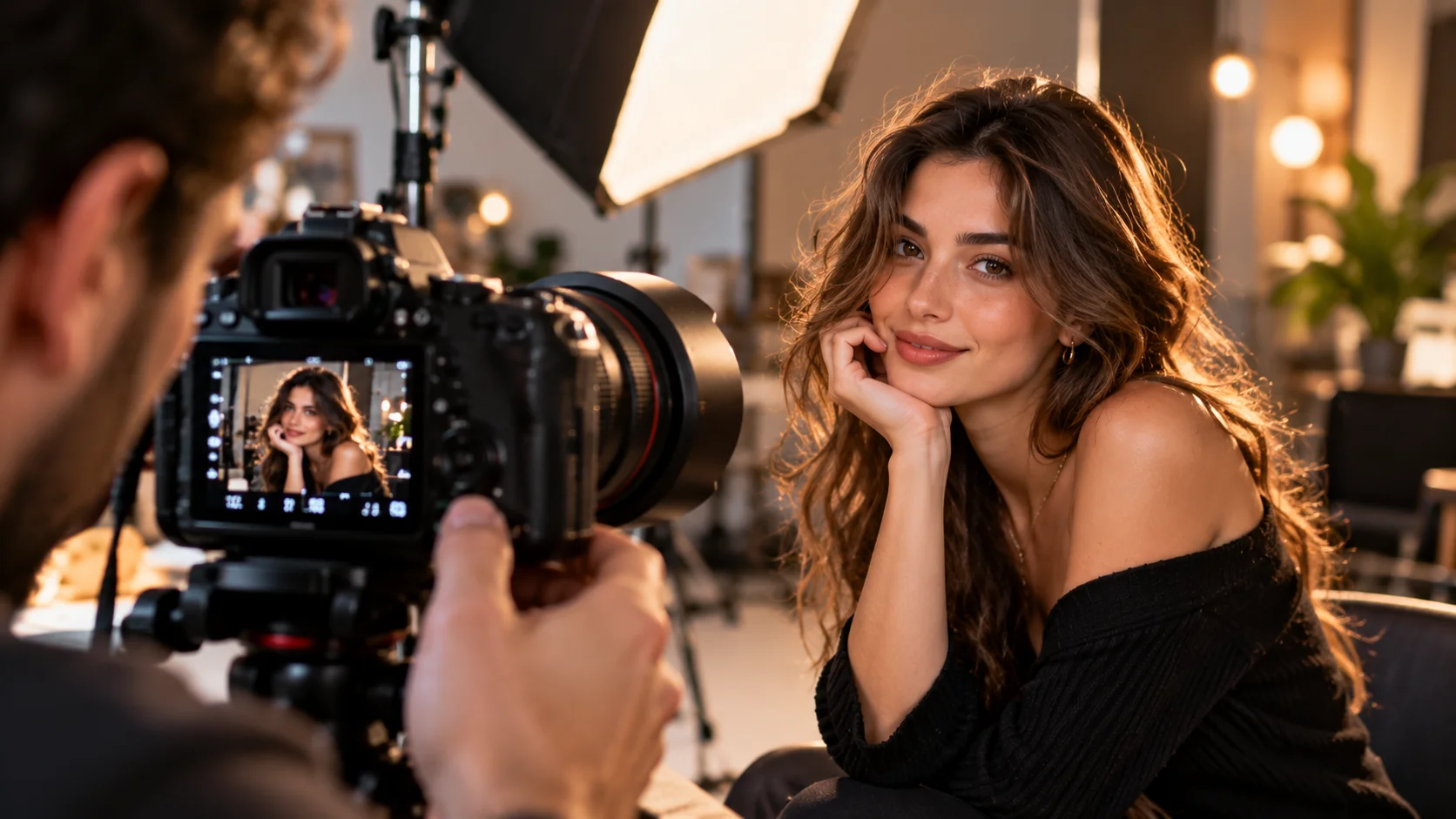
A photo you took with your phone may be beautiful, but sometimes it looks like it was taken with a professional camera. depth of field, lens effect and cinematic lighting may be missing.
This prompt can be used to give the image a more professional photography feel while preserving the main subject of the photo.
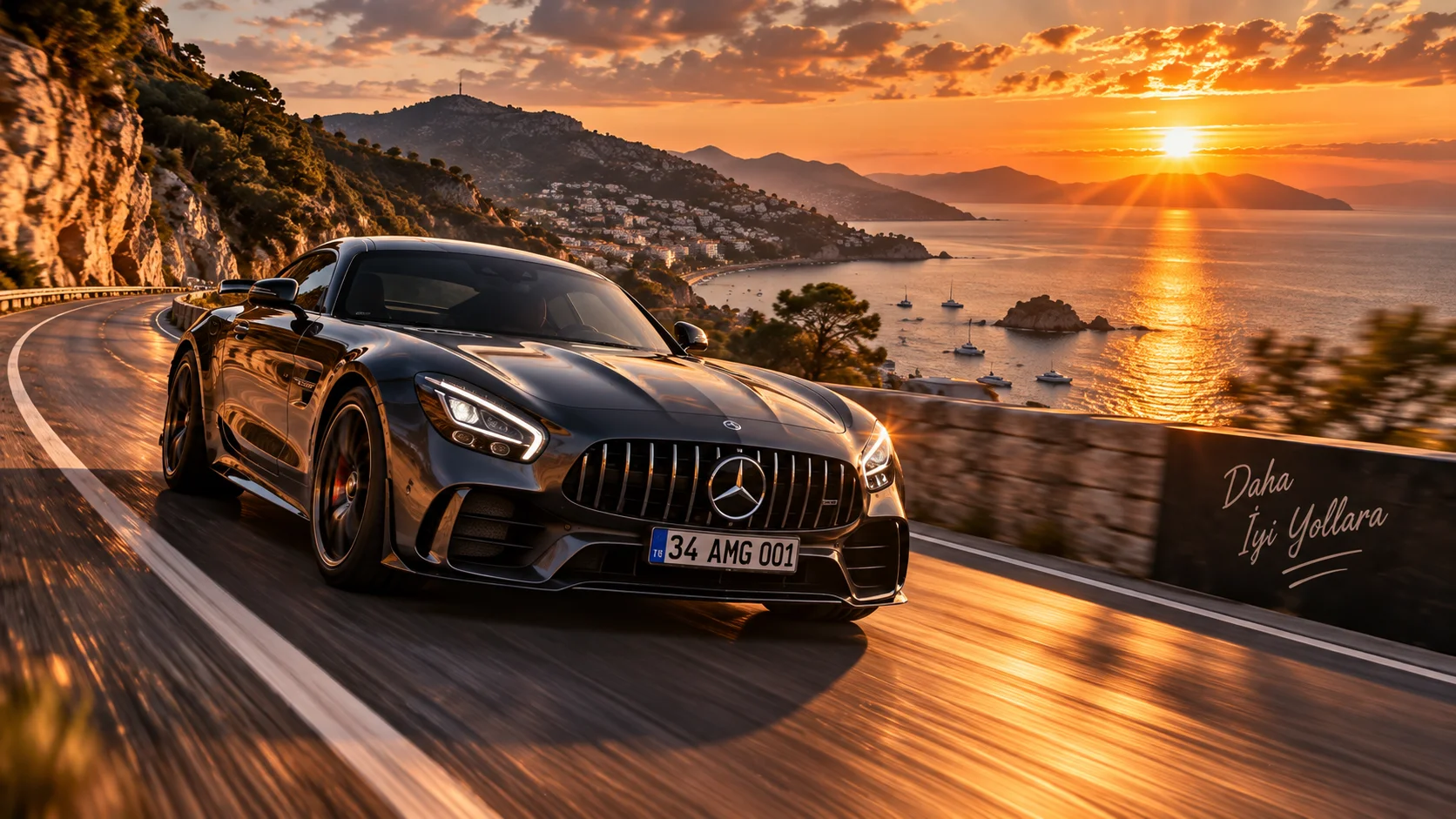
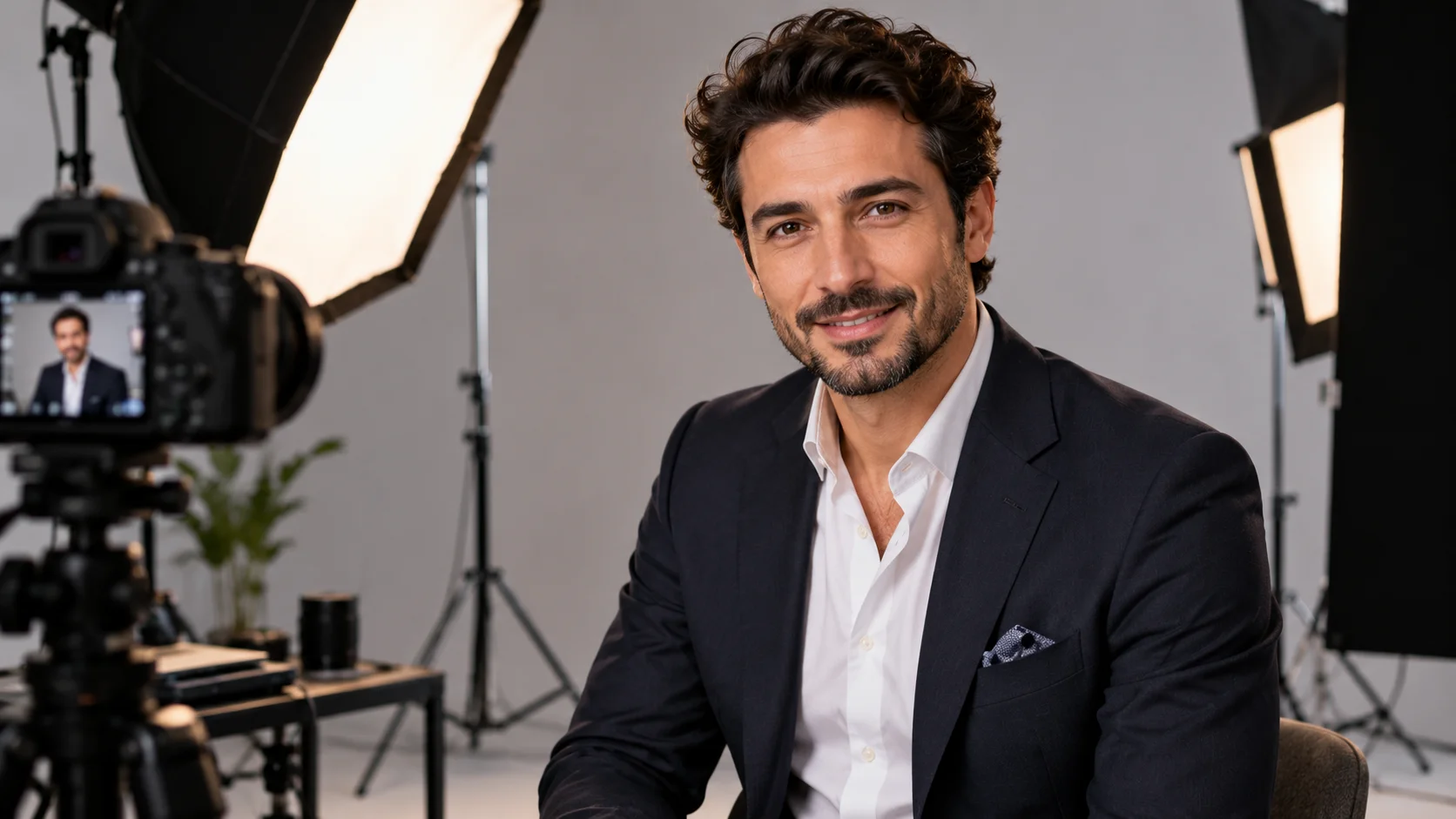
It can be especially useful for portrait, automobile, product and travel photos.
How to use?
Upload your photo to the AI visual editing tool and follow the prompt below.
The prompt you can use:
"Enhance the uploaded photograph to look like it was captured with a professional full-frame cinema camera and a high-quality 85mm portrait lens. Preserve the exact subject, identity, composition, clothing, colors and environment. Add realistic shallow depth of field with natural background separation, subtle lens compression, soft cinematic highlights and realistic optical characteristics. Improve dynamic range, natural contrast and fine details while maintaining authentic skin texture and realistic colors. Create a premium professional photography aesthetic without changing the original subject or scene."
Changeable fields:85mm portrait lens:
35mm cinematic lens50mm professional lens85mm portrait lens
Usage tip:
For landscape photos, instead of 85mm 35mm. In portraits, 85mm can give a stronger sense of background separation.