AI Prompt to Sharpen Old and Blurry Photos
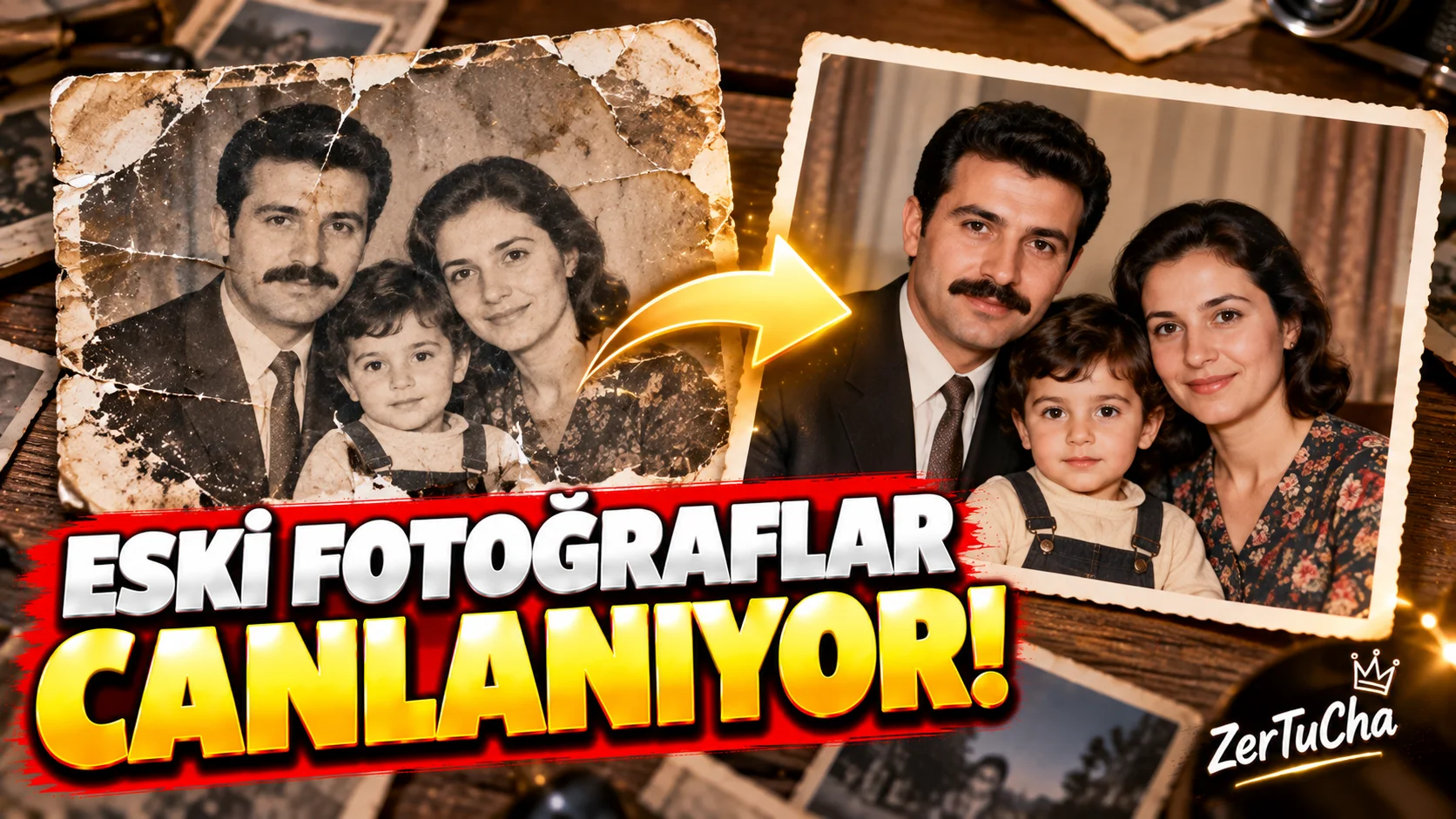
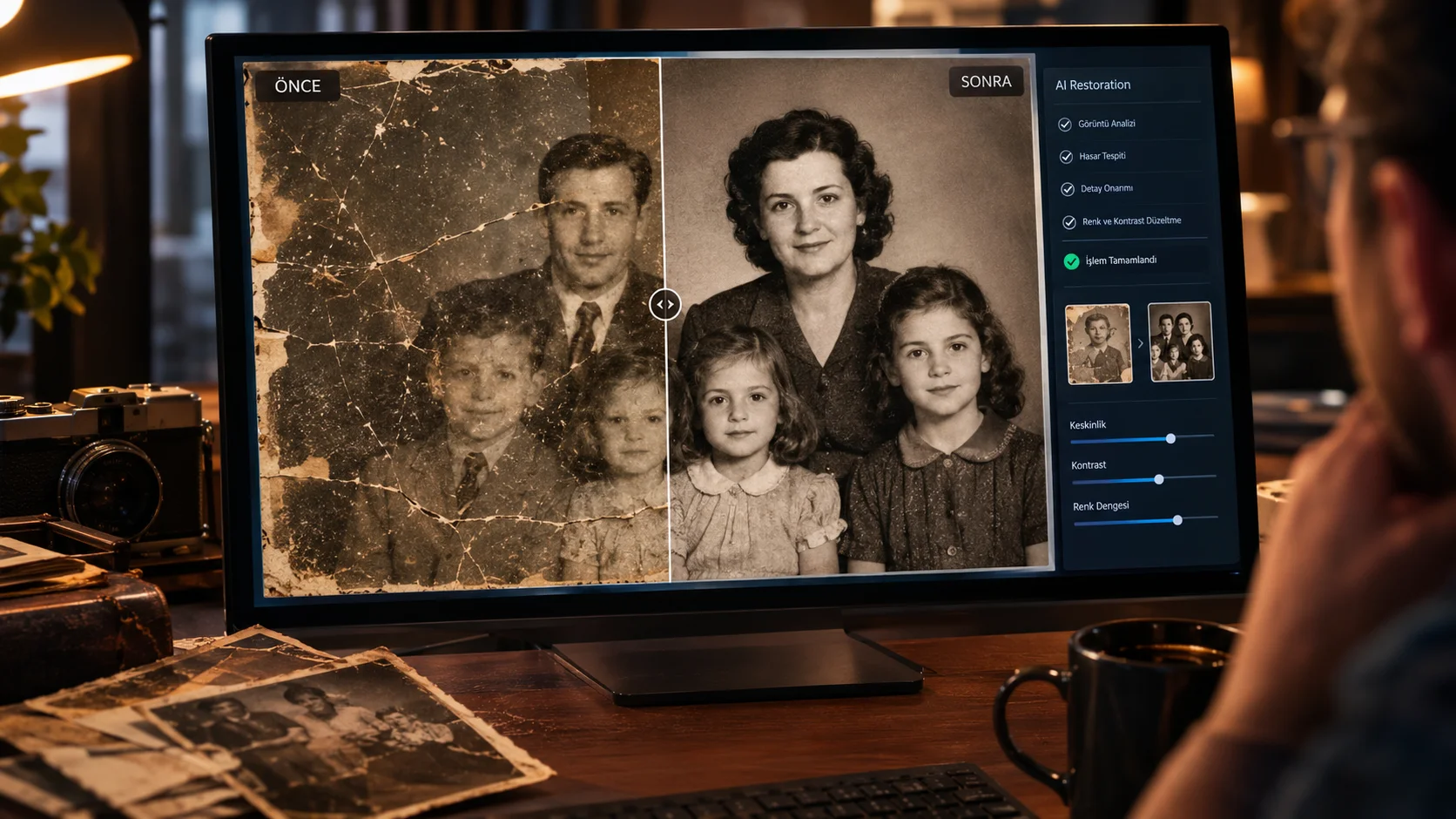
Old family photos often suffer from low resolution, blur, film grain, and faded colors. This prompt can be used to clean up and sharpen the image while preserving details as much as possible and maintaining the photo's original character.
How to use it?
Upload the old photo to an AI image editing tool and use the prompt below.
Prompt:
"Restore and enhance the uploaded old photograph while preserving the original people, facial identities, clothing, objects, composition and historical appearance. Carefully reduce blur, compression artifacts, excessive film grain, scratches and faded colors. Recover realistic facial and environmental details without inventing or changing recognizable features. Improve sharpness, contrast and tonal balance naturally. Preserve the authentic photographic character and avoid an artificial modern look. Do not change the age, identity, expression, hairstyle or clothing of any person."
Customizable areas:
If you wish, you can change the photo type—such as old family photograph or historical black and white photograph— ...you can add to the prompt.
Usage tip:
The biggest risk with old photos is the AI "redrawing" the faces. Therefore, make sure to specifically include the phrases "Do not change the identity" and "avoid an artificial modern look."