

Artificial Intelligence Prompt You Can Use to Renew Old Photos
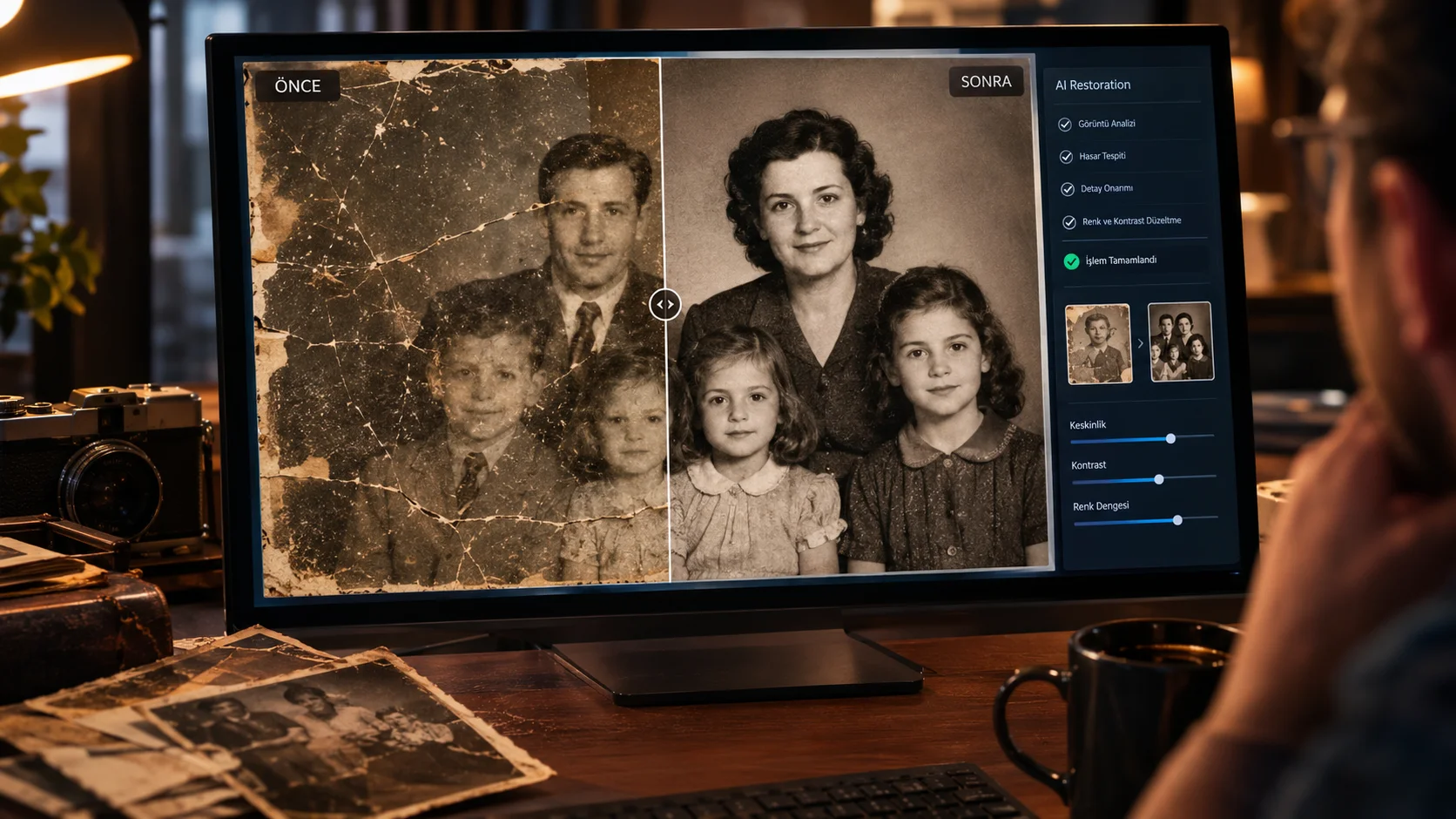
If you have a blurry, low quality or scratched photo taken years ago, you can improve the photo as naturally as possible with artificial intelligence.
This prompt specifically old family photos, scanned photos or low-resolution images. The aim is not to change the photo from scratch; is to increase the quality by preserving the identity and basic details of the existing image.
How to use?
Upload your photo to an AI tool that supports image upload and send the following command along with the photo.
The prompt you can use:
"Restore and enhance this old photograph while preserving the original identity, facial features, expressions, clothing, composition and overall appearance of every person. Remove scratches, dust, stains, film damage, blur and visible noise. Improve sharpness, facial details and overall image clarity naturally. Reconstruct missing details carefully without changing the original people or creating artificial facial features. Preserve the authentic historical character of the photograph. Photorealistic restoration, natural skin texture, realistic details, high resolution, no excessive smoothing, no modernized appearance."
Changeable fields:
There is no part of this prompt that you need to change. You can upload the photo and use it directly. If you want the photo to remain black and white, press “Keep the original black and white appearance”.
Usage tip:
Not asking AI to “redraw” the old photo, restore. Using expressions such as “preserve the original identity”, especially on faces, can help reduce unnecessary alteration of people's faces.


Henüz yorum yapılmamış. İlk yorumu siz yapın!
Bir Yorum Bırakın