

Animate Old Photos Without Making them Talk: AI Video Prompt
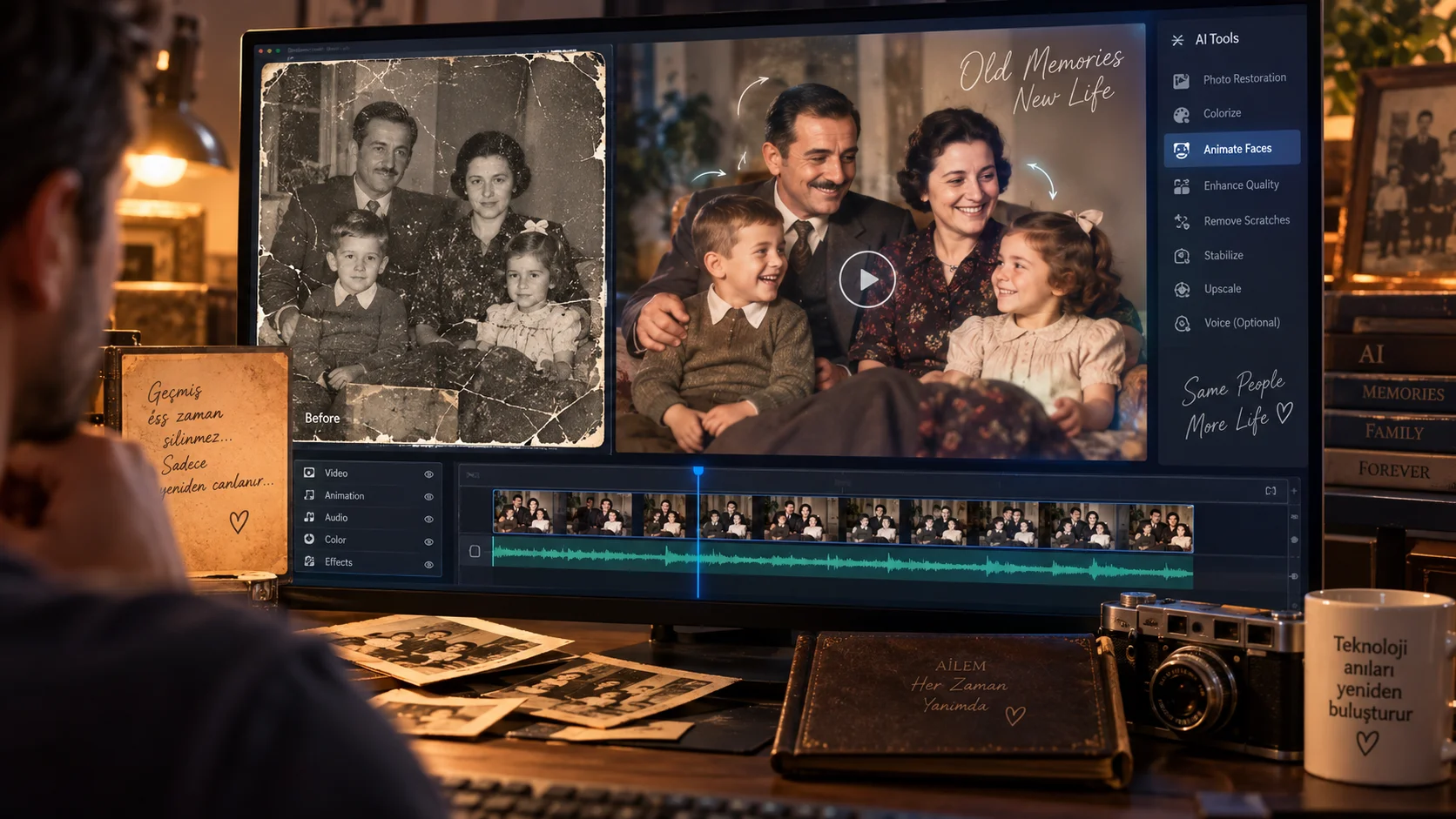
Instead of just sharpening an old family photo turning it into a short video by adding slight movements.
Especially in old portraits, small movements such as the person blinking naturally, breathing lightly, and the camera slowly approaching can make the photo much more impressive.
Google's Flow side includes Gemini Omni Flash's video production and editing features; More advanced controls such as scene stretching and start/end frames are also available with Omni 1.1 Flash.
How to use?
Upload your old photo as a reference image and use the prompt below. The aim is not to change the person in the photo, adding natural micro movements while preserving the existing image as much as possible.
What does the Video Prompt do?
This prompt is designed to create a nostalgic short video by adding subtle facial movements and slow camera movement to a still portrait photo.
Video Prompt:
"Create a subtle 10-second cinematic animation from the uploaded vintage family photograph. Preserve the exact identity, facial features, clothing, composition and historical appearance of the people. Add only very natural micro-movements: gentle breathing, a subtle blink and extremely slight facial movement. Slowly push the camera forward with a smooth cinematic dolly-in movement. Keep the original background stable and realistic. Soft natural lighting, authentic vintage atmosphere, realistic motion, no exaggerated expressions, no face distortion, no new people, no changes to clothing or identity, photorealistic, emotionally nostalgic, vertical 9:16 composition."
Changeable fields:
You can change the basic movements here. For example gentle breathing, a subtle blink section to include only eye blinks or slight head movements.
Usage tip:
Old photos “no face distortion”, “preserve the exact identity” and “no changes to clothing or identity”. The aim is not to redraw the photo, but to slightly revitalize the existing image.


Henüz yorum yapılmamış. İlk yorumu siz yapın!
Bir Yorum Bırakın