

Find the Tracking Device Secretly Placed in Your Bag with Your Android Phone
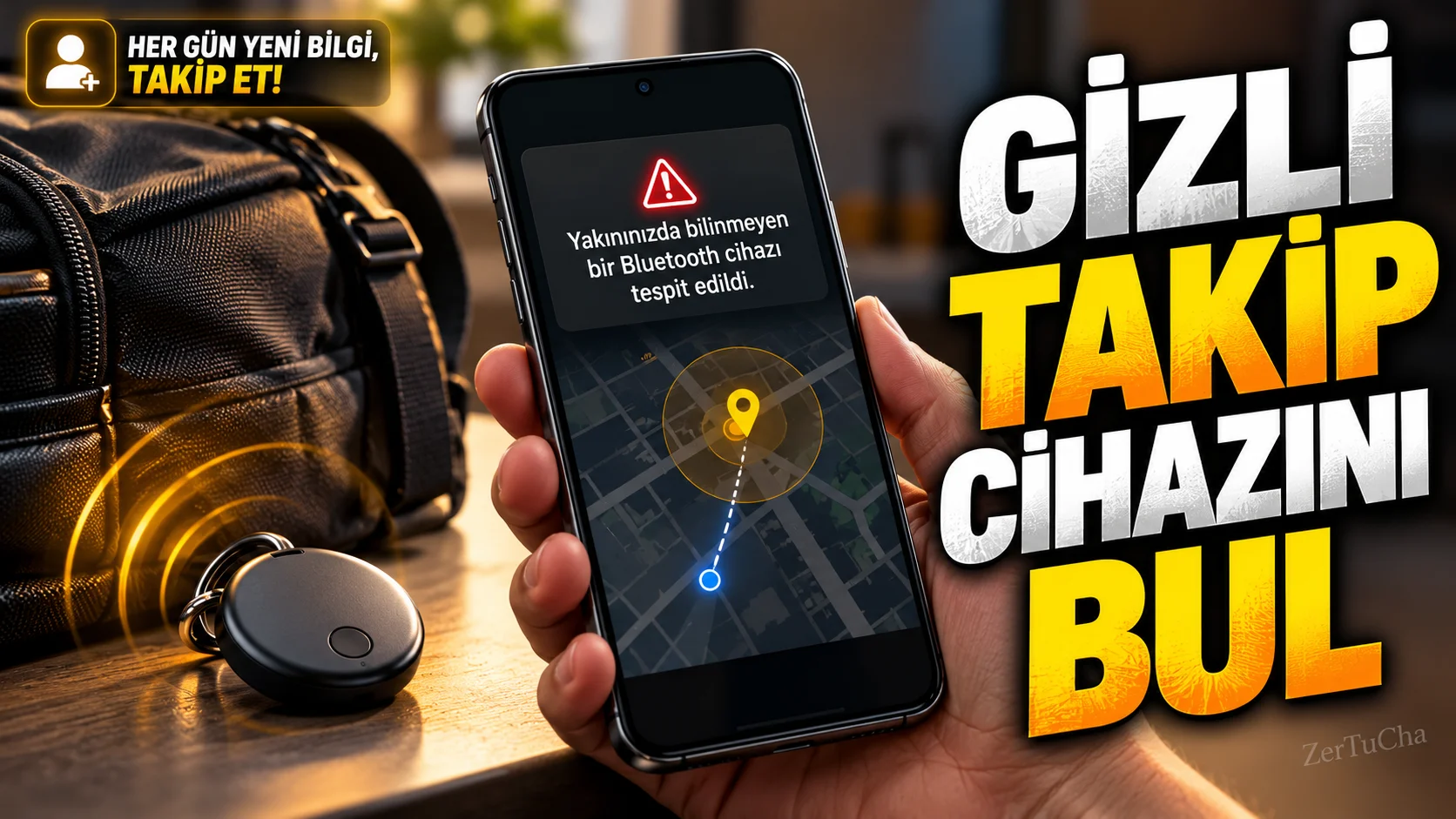
What if a Bluetooth tracker moves with you?
Bluetooth tracking tags are designed to find keys, bags and similar items. However, it is also possible for someone to place a tracking device on your belongings that does not belong to you.
Android's Unknown Tracker Alerts feature can alert when compatible tracking devices detect that they have separated from their owner and moved with you. It also helps you manually scan for suitable devices in the environment. Google states that this feature can be used on devices with Android 6 and above. Google Support
Step by step usage
-
Open Settings. Go to the Settings app on your phone.
-
Find the security section. Go to Settings → Security & emergency → Unknown tracker alerts. The menu path may be different on Android 11 and older versions.
-
Enable automatic alerts. Make sure Allow alerts is turned on. This way, the system can send notifications when it detects that supported tracking devices are moving with you.
-
Scan manually. Tap Scan now in the same menu. According to Google's documentation, manual scanning takes about 10 seconds.
-
Examine the details of the found device. If a tracker appears, tap its notification. The system can show on the map places where the device is detected to be moving with you.
-
Play sound if necessary. On compatible devices, the Play sound option can enable the tracker to make a sound. This makes it easier to find its location when searching in a bag or vehicle.
-
Move safely. If you think the tracking device does not belong to you, save the device information. If you are concerned for your safety, move to a safe public area and contact someone you trust or law enforcement if necessary.
Expected result
Your phone can alert you when it detects that a compatible tracker is moving with you. Manual scanning helps detect some tracking devices that are nearby at that time.
What should you do if it doesn't work?
- If the feature is not visible, check the Android version and Google Play services updates.
- Enable location services for automatic alerts.
- Do not conclude that every device found in a manual scan is tracking you. The device may have been temporarily separated from its owner.
- If a tracking device is not found, it does not necessarily mean that you are not being tracked.
Privacy and security limitations
Google states that the location and time information used in tracking alerts are processed in encrypted form on the device and this identification data is not shared with Google. However, putting the phone on airplane mode or turning off Bluetooth does not stop the tracker from sharing its location. To deactivate the device, its manufacturer's instructions should be followed. Google Support
Official source: Google Android Help — Finding unknown tracking devices




Henüz yorum yapılmamış. İlk yorumu siz yapın!
Bir Yorum Bırakın