

Updated Caliber: Manage Your EBooks, Organize Your Documents, Listen to Your Books
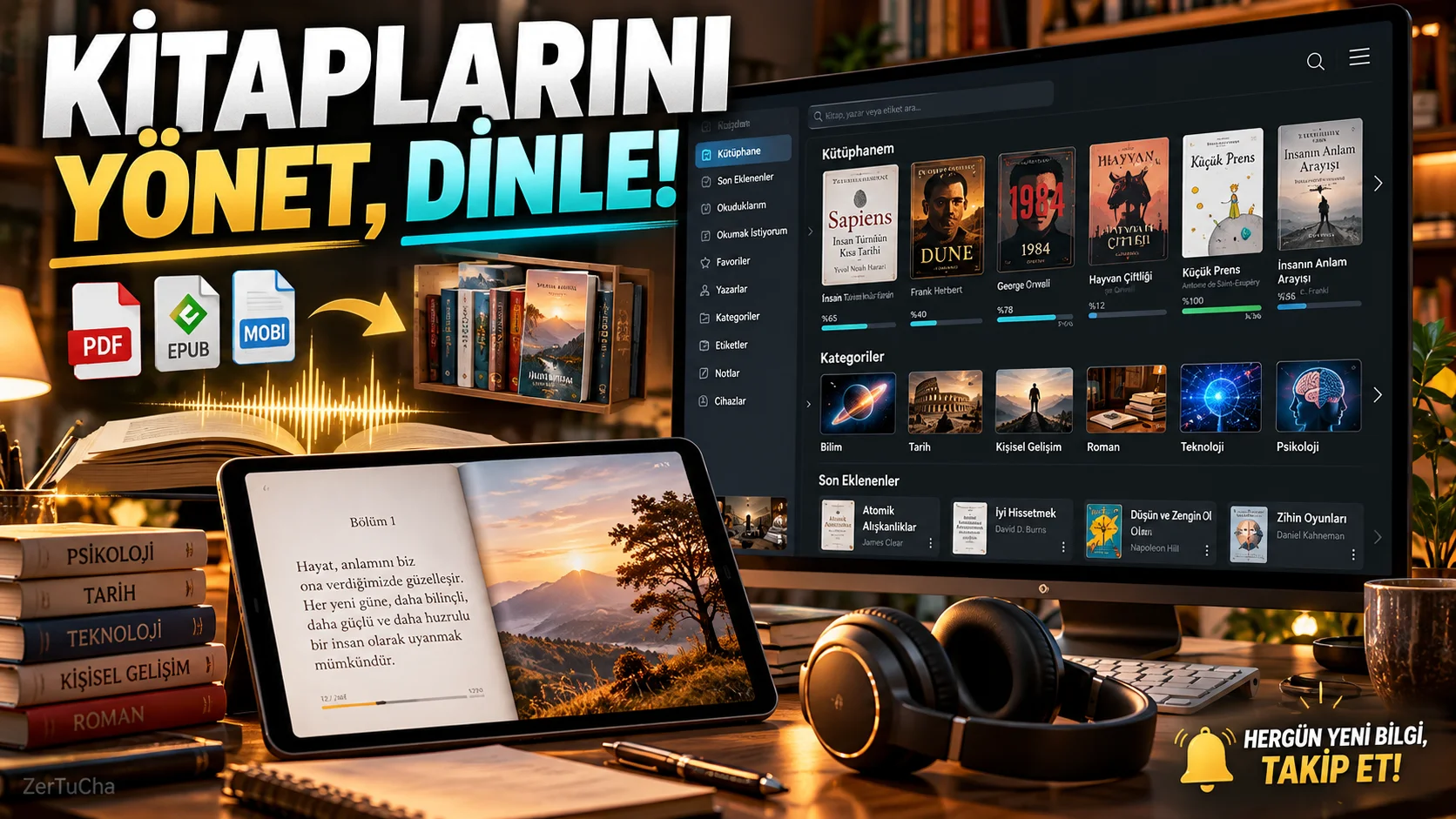
Platform: Windows, macOS and Linux
Program: caliber
Fee: Free and open source.
Official sources: Caliber update notes · Caliber specifications
If you have a lot of PDF, EPUB, or other types of e-books on your computer, searching through folders can be time-consuming. Moreover, the fact that different e-book readers support different file formats may make it difficult to transfer books to other devices.
Caliber is a comprehensive program that allows you to collect your e-books in a single digital library, organize them, convert them to different formats and transfer them to compatible devices.
Not only the file names of the books; You can also edit author, publisher, cover image, tags and other information. Thanks to advanced search and sorting options, it becomes easier to find the book you want in a large library. Caliber
What can you do with Caliber?
- You can manage EPUB, PDF and other supported e-book formats.
- You can edit the covers and bibliographic information of the books.
- You can convert compatible files to other formats.
- You can add bookmarks and notes to books and search within the text.
- You can transfer books to supported devices.
- You can access your library from other devices via the content server.
- You can listen to compatible texts with the voice reading feature. Caliber
How to use?
- Download Caliber from its official website.
- Locate your library on first boot.
- Add e-books on your computer to the library.
- Organize books by author, title or tag.
- Select the book you want to use on another device.
- If necessary, specify the target format in the conversion section and export the file.
For example, if you cannot open the EPUB version of a book on your device, you can examine the conversion options supported by Caliber. However, you should not think that every file can be converted to every format without any problems; There may be restrictions, especially on protected content.
Current development: Caliber version 9.16 was released on October 9, 2026. New features include adding Kokoro voices, which can provide more natural results for English, to the oral reading system, improving right-to-left text and multi-column page support in PDF import, and supporting AVIF images. Caliber
Advantages: Offers wide file format support, powerful library management and transfer to different devices.
Disadvantages: Initial setup and advanced settings may seem complicated to the new user. Page layout, font or image placement may change during conversion.


Henüz yorum yapılmamış. İlk yorumu siz yapın!
Bir Yorum Bırakın