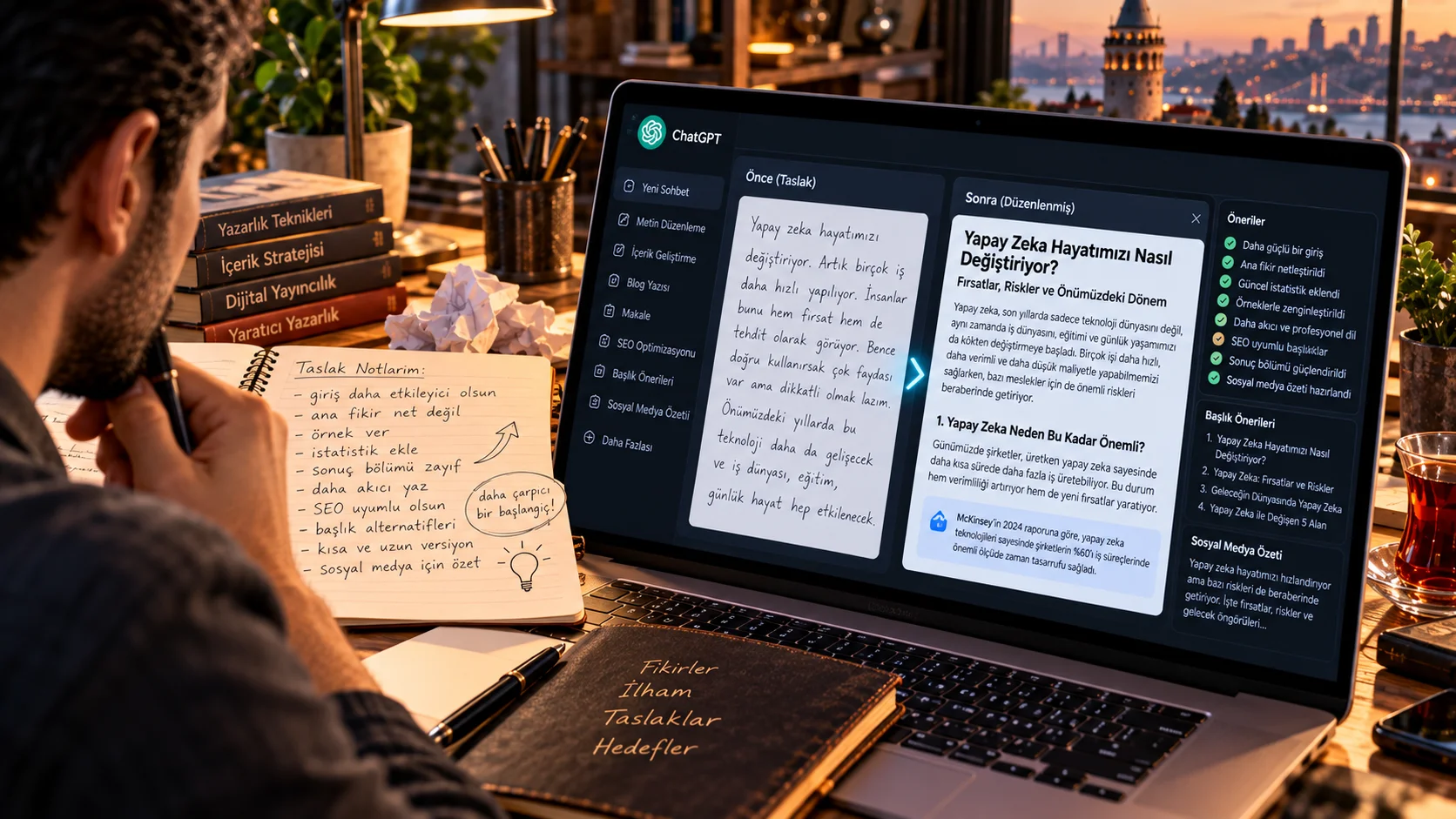
Turn a Website Screenshot into a Professional Mockup
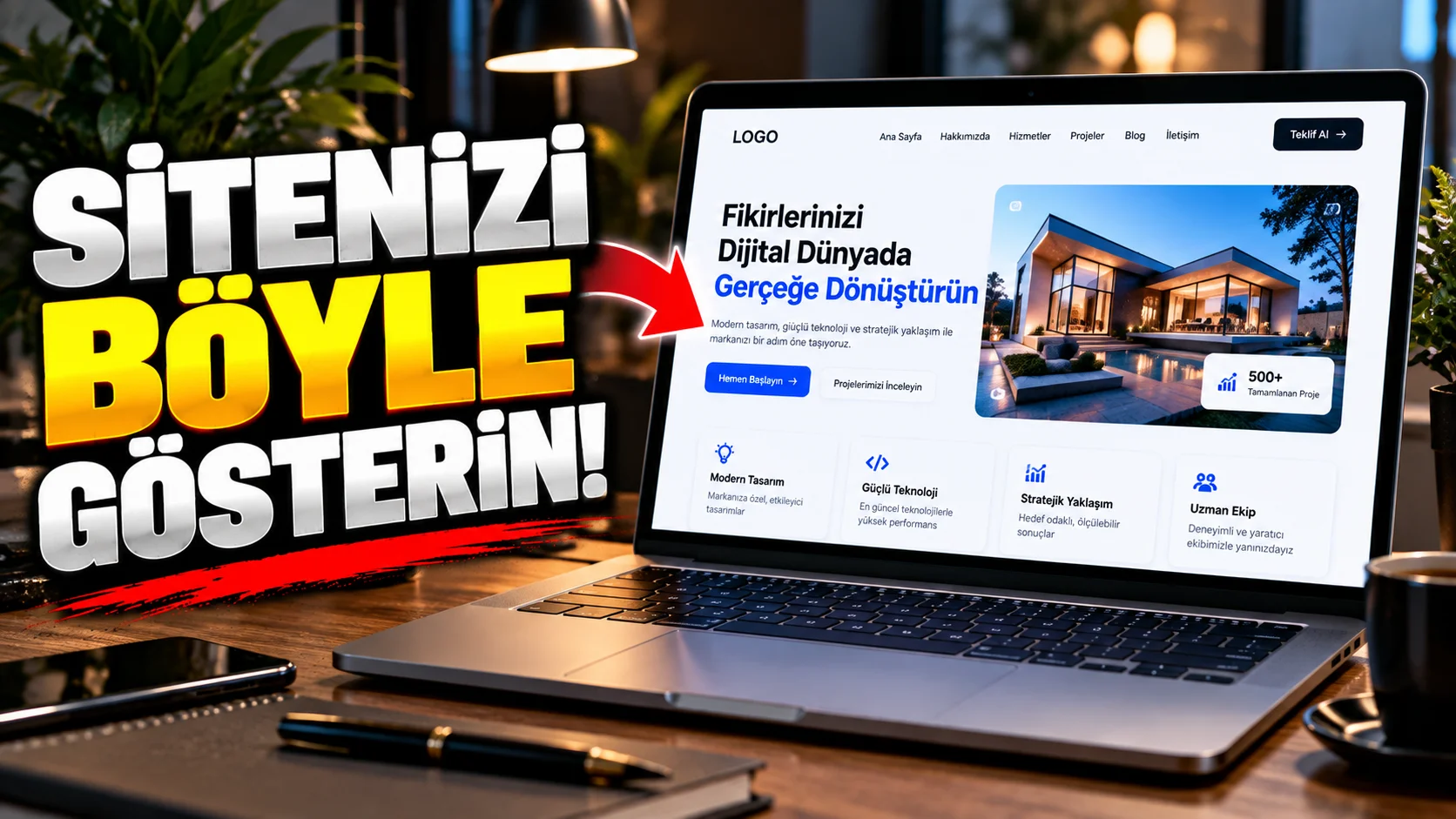
Instead of just sharing a screenshot to promote your website or mobile app, you can a presentation image showing a professional device mockup.
This method works especially well for web designers, software developers and digital product owners.
How to use?
Upload a screenshot of your website to the AI visual tool.
The prompt you can use:
"Turn the uploaded website screenshot into a premium professional device mockup while preserving the exact interface, layout, text, colors, icons and visual elements shown in the original screenshot. Display the interface accurately on a modern laptop screen positioned on a clean minimalist desk. Keep every visible UI element readable and unchanged. Add realistic device materials, subtle reflections, natural screen brightness and physically accurate shadows. Use professional studio lighting, shallow depth of field and premium technology product photography. Do not redesign or modify the website interface."
Changeable fields:modern laptop screen section:
smartphone screentablet screendesktop monitor
.
Usage tip:
If exact protection of the interface is important “Do not redesign or modify the website interface” sentence.