

Why Does Python Code Working in One Project Break in Another?
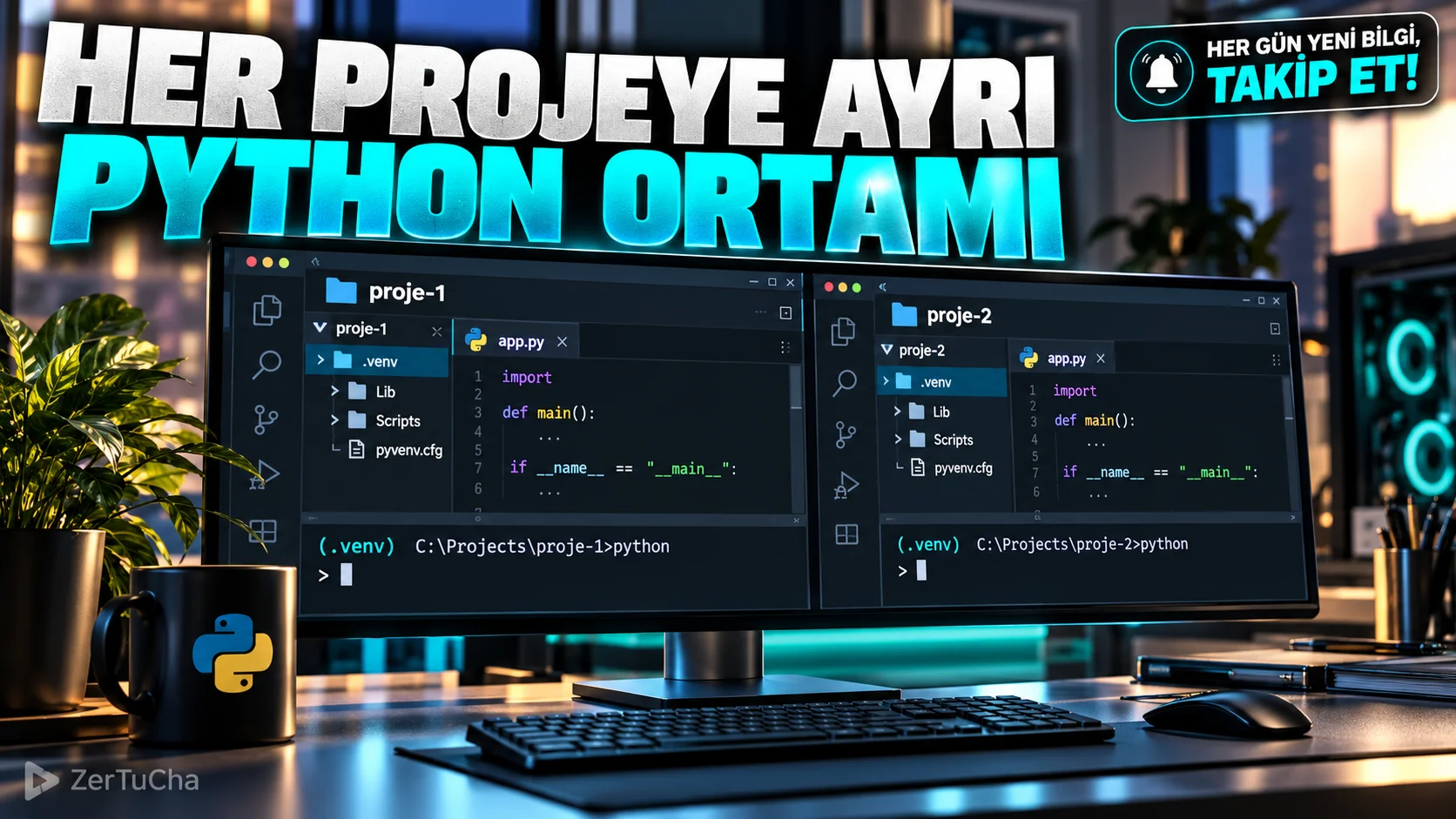
You installed a new version of the Python package in a project. When moved to another project the old code no longer works. Because two projects may be using the same Python environment and packages.
RStudio supports creating a Python virtual environment per project in supported configurations and activating this environment when the project is opened. This way, you can manage packages in one project more independently from the other project. Quarto
Step by step usage
-
Install RStudio. Download the supported version appropriate to your operating system. Note that the current version 2026.10.0 is not listed for Windows 10.
-
Create new project. Follow File → New Project and create a new project in a separate folder.
-
Open Python environment settings. In the project creation or relevant Python configuration section
Use venv. The menu appearance may vary depending on the version of RStudio you are using. -
Create virtual environment or select existing environment. Specify the Python interpreter and environment location that the project will use. This way you can keep the packages for this project separate.
-
Install required packages. Install the packages you need in the project terminal. For example:
python -m pip install pandas matplotlibVerify that the terminal is using the correct virtual environment before running this command.
-
Check Python interpreter. Run the following code in a Python file:
import sysprint(sys.executable)Check that the output shows the virtual environment of the project you expect.
-
Store dependency list. If necessary, run the following command in the project terminal:
python -m pip freeze > requirements.txtThis file helps you keep track of the package versions installed in the environment.
-
Test by reopening the project. Close RStudio and reopen the project. Verify that the environment is selected correctly and the code works as you expect.
Expected result
You can use different Python packages for each project, reducing the risk of an update in one project breaking the other project.
What should you do if it doesn't work?
Use venvis not visible, check RStudio version and Python configuration.- Verify path to Python interpreter if terminal is using wrong environment.
- If you receive a package not found error, install the package in the correct virtual environment.
- If the environment does not work on another computer, check the Python version and
requirements.txt.
Security, privacy and licensing
The open source version of RStudio Desktop is available under AGPLv3 license. Install Python packages from trusted sources; Use a project-specific virtual environment to manage the system-wide Python installation without unnecessarily changing it. Check the operating system requirements of the current version; Don't assume the current 2026.10.0 installation is supported on Windows 10. Posit Docs
Official sources:




Henüz yorum yapılmamış. İlk yorumu siz yapın!
Bir Yorum Bırakın