

Don't let old texts you copied on your computer get lost! Open Clipboard History with Ditto
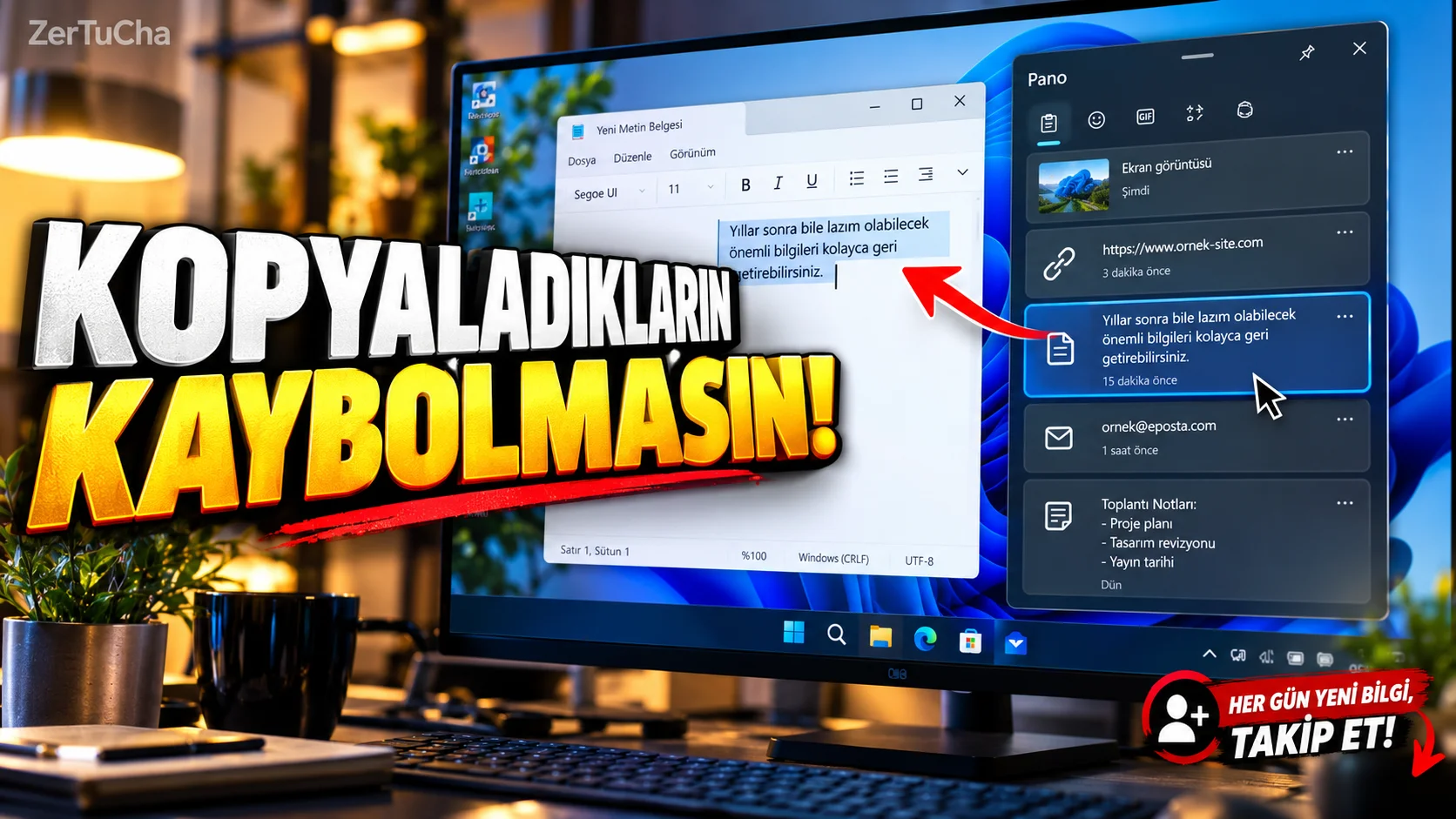
You copied an address from a website. Then you copied a description text. Then you copied an email address. When you want to return to the previously copied text, only the last copied content is on the clipboard.
One of the programs you can use for this in Windows Ditto. The program saves the items you copied to the standard clipboard in the history, helping you to reuse them when necessary. It can store text, images, and other supported clipboard formats. The default open shortcut is `Ctrl +`; It may be necessary to change the shortcut depending on the key layout on your keyboard. Ditto CP
How to install and use?
1. Download the program from the official site.
2. Run the program.
After installation, open Ditto. The program's icon usually appears in the notification area of Windows.
3. Copy several different items.
For example:
- A website address
- One paragraph
- An email address
- Text representing a file path
After each copy operation, Ditto can add a new item to the clipboard history.
4. Open clipboard history.
Try the default shortcut `Ctrl +`. If it doesn't work, click the Ditto icon in the system tray or change the shortcut in the program settings.
5. Select an old item.
The items you previously copied appear in the list. You can select the item you need and double-click or use the Enter key when appropriate.
6. Re-paste the item.
Ditto helps you paste the selected item to the previous window. For example, you can reuse an old paragraph in a text editor.
Real usage example
Clipboard history comes in handy if you're constantly copying through the title, description, keywords, and source links while making a YouTube video. If you accidentally replace a text with another text, you do not have to copy it from scratch.
Privacy notice
Clipboard history may also contain sensitive information that you copied. Be careful when copying content such as passwords, private messages, and financial information. Even though Ditto has a native approach, don't treat your clipboard history as a risk-free vault for sensitive information.



Henüz yorum yapılmamış. İlk yorumu siz yapın!
Bir Yorum Bırakın