

Remotely Connect to Another Computer: Tech Support with RustDesk
Platform: Windows, macOS, Linux; also support Android, iOS and web
Program: RustDesk
Official site: RustDesk official site
Official documents: RustDesk usage and server documentation
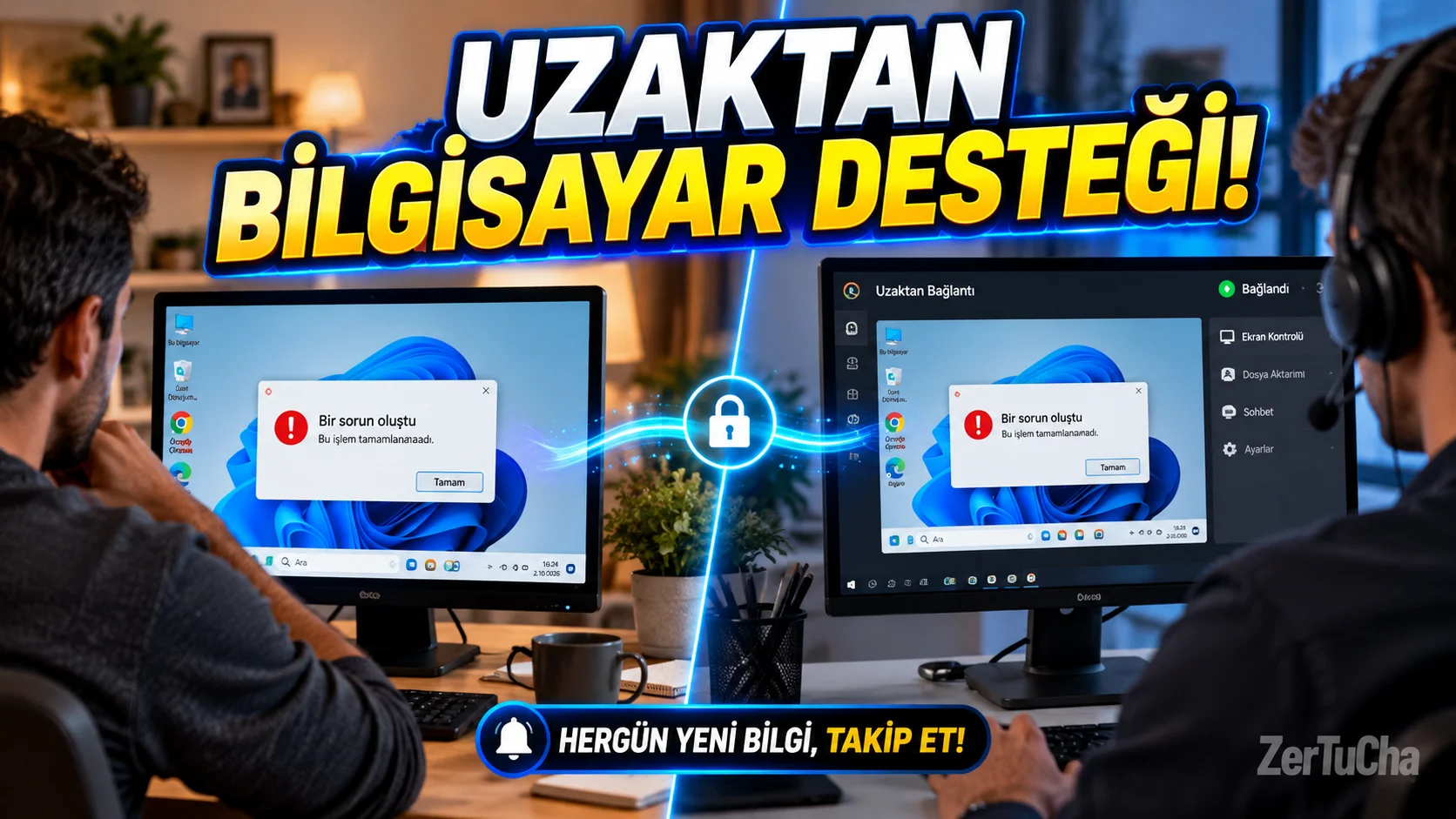
There is a problem with a family member's computer and you try to explain it on the phone by saying, "Now click on that blue icon, then open the window..." After a while, you start testing patience, not technical support.
RustDesk is a tool used to remotely connect to another computer to view its screen and perform permitted operations. It can be evaluated in scenarios such as solving computer problems, performing operations on a remote device, or accessing one's own computer from different locations.
RustDesk's client is open source. If you want, you can control the connection system more by setting up a server in your own infrastructure. There is a distinction between the basic open source server option and the paid professional options that offer advanced management features. Official documentation lists Windows, macOS, Linux, Android, iOS and web support. RustDesk
How to use?
- Download RustDesk from its official website only.
- Open the program on the computer you will connect to.
- Check the connection information shown by the program.
- Start connection from other device.
- Have the other user confirm the connection and grant only necessary access permissions.
- End the connection when you're done.
Use scenarios include providing computer support to family members, accessing one's own device remotely, and providing authorized technical support at work.
Fee status: Open source client and basic open source server option available. Additional features may be charged for a professional server solution. RustDesk
Security warning: Remote access tools can also be used for fraudulent purposes. If someone you don't know calls you and says, "We'll protect your bank account, install RustDesk," disconnect the connection. Don't give access codes to people you don't know and don't give up control of your computer. RustDesk itself also issues an official warning on this issue. RustDesk




Henüz yorum yapılmamış. İlk yorumu siz yapın!
Bir Yorum Bırakın