

Is It Possible to Run Non-Google Apps on Android Auto?
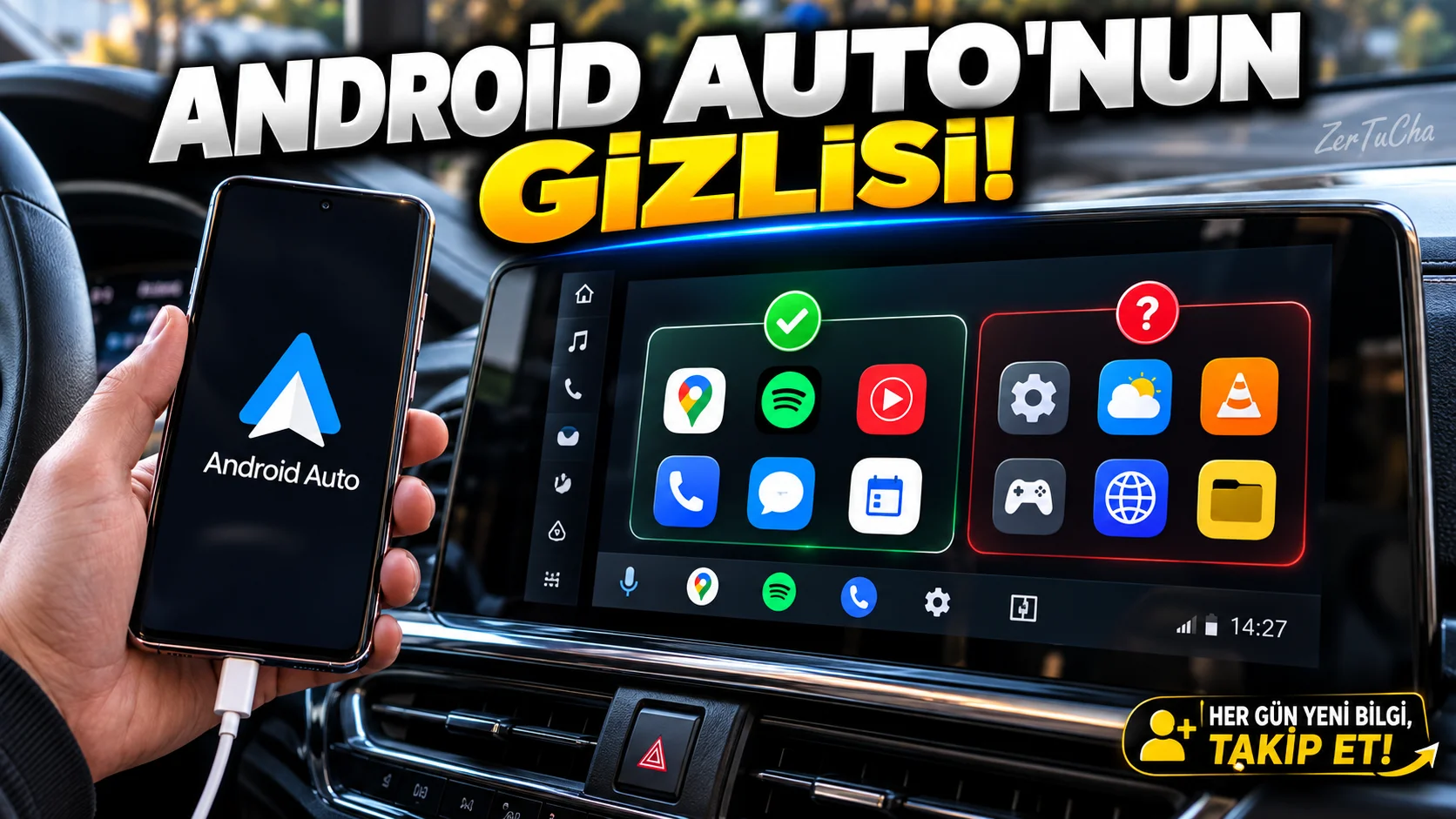
Drivers using Android Auto may have noticed that only applications supported by the system appear on the vehicle screen. Not every application running on your phone automatically becomes available on the vehicle screen.
The issue examined in Android Authority's news is the possibility of using applications installed from outside the official store on Android Auto. This is called sideloading: Installing the app outside of the standard app store distribution.
However, there are two separate issues: Being able to install an application on the phone and running it safely and compatiblely on the Android Auto screen. These are not the same thing.
Why doesn't every application open on the vehicle screen?
Android Auto limits supported app categories and interfaces to reduce distraction while driving. If an application on your phone does not meet these conditions, it may not appear on the vehicle screen.
What should you pay attention to when researching?
-
First, check that your Android Auto and phone software are up to date.
-
Check out whether the app you need has official Android Auto support.
-
Check developer's official documentation and app compatibility.
-
If you are going to use third-party applications, examine the reliability of the source and the permissions it requests.
-
Test the application while the vehicle is parked, not while driving.
Installing APKs from unknown sources may pose a risk of malware or unnecessary permissions. Additionally, some methods work on certain Android Auto versions but may break after updates.
Safety warning: It is not safe to watch videos or engage in applications that require attention while driving. Comply with the requirements of your vehicle and the traffic rules in your country.



Henüz yorum yapılmamış. İlk yorumu siz yapın!
Bir Yorum Bırakın