



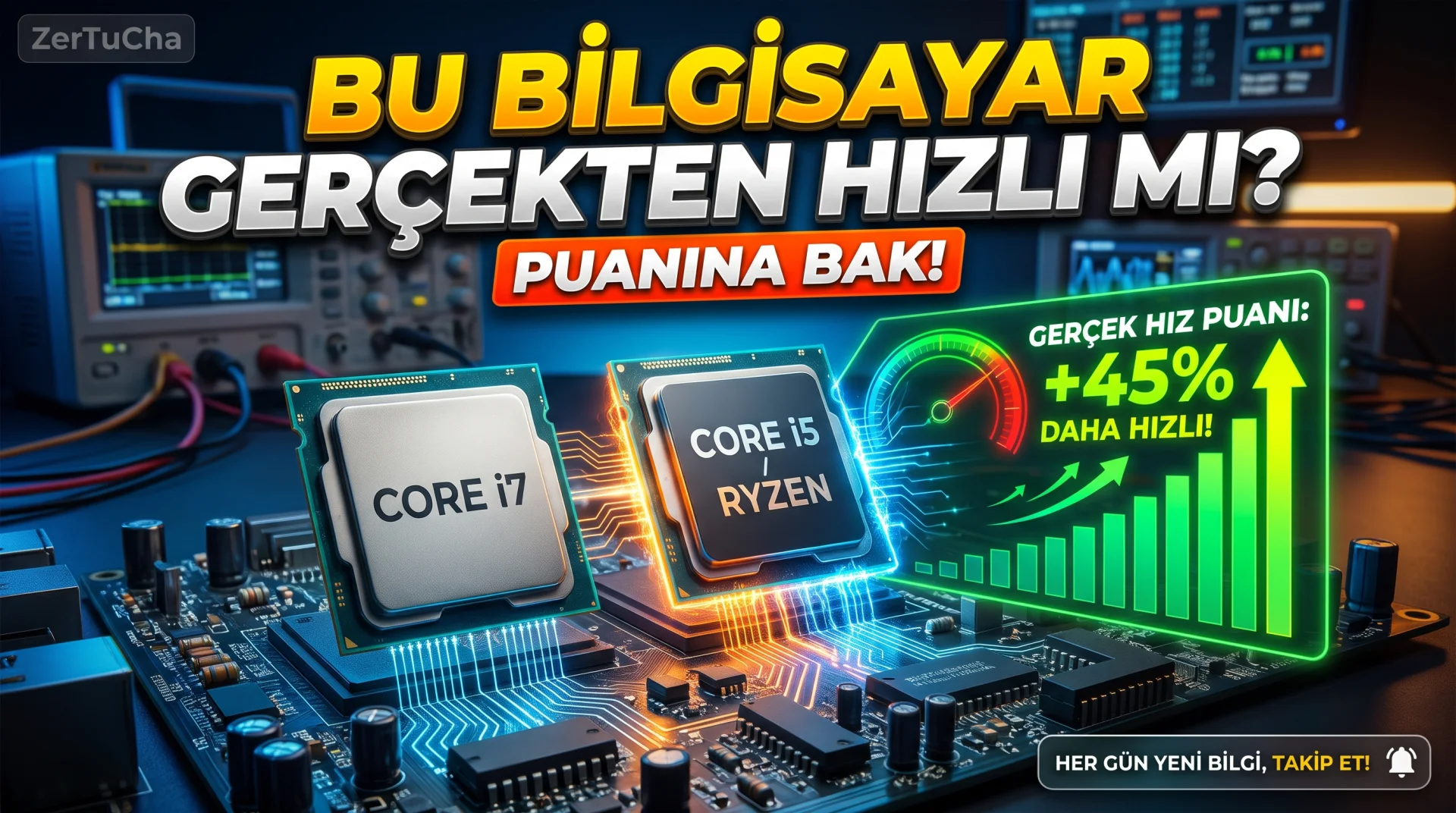
When you buy a new laptop, desktop processor (CPU), graphics card (GPU) or M.2 NVMe SSD or when checking a second-hand computer, how do you know if the device actually delivers the factory speed it says on paper? Sometimes, on a newly purchased computer, the XMP memory speed was turned off in the BIOS, an SSD was inserted into the wrong M.2 slot, or the cooling paste was applied incorrectly, causing your computer to 40% below the required speed works but you never notice! Likewise, when you are torn between two processors or graphics cards, seeing the average of millions of test results made by hundreds of thousands of real users on their home computers in a single score will clarify your purchasing decision in seconds. But did you know about that huge hardware database that averages millions of real PC tests and compares two parts you want with a percentage difference? Details below!
SITE NAME AND LINKS
-
Site Name: PassMark Software – CPU & Video Card Benchmarks (and Hardware Comparison:
Leave a Comment to Read the Rest of the Article
Did you find our content useful? We are curious about your thoughts on the subject.
Technical City)
-
Official URL: https://www.cpubenchmark.net/ (Graphics Card and Disk Sequences: https://www.videocardbenchmark.net/ and Binary Comparison: https://technical.city/tr)
-
Origin / Service Language: Australia (
cpubenchmark.net– PassMark Software Pty Ltd, Sydney) & International (technical.city/tr– Full Turkish interface supported!) -
Privacy Policy: https://www.passmark.com/about/privacy.php
In computer hardware, model numbers often confuse the user: For example, a new generation Intel Core i5 or AMD Ryzen 5 from 3 years ago Core i7 / Ryzen 7 processor! Here PassMark (cpubenchmark.net) and Technical City (technical.city/tr) ends the confusion by combining all processors and graphics cards into one objective numerical score.
In the PassMark table, both Multithread – Video editing, rendering, multitasking and Single Core (Single Thread – Daily speed and gaming fluency) score separately. Thus, you can prove which processor is the price-performance champion according to your budget in 10 seconds.
STEP BY STEP USE
-
To see processor or graphics card scores https://www.cpubenchmark.net/ (or https://technical.city/tr (No membership required).
-
On the PassMark home page "Compare" (Compare) button or enter the two processors you want to compare in the search box (for example Intel Core i5-13400F to AMD Ryzen 5 7500F) and add them side by side.
-
In the table that opens, focus on these three values:
-
Average CPU Mark: Overall multi-core power (the higher the score, the stronger),
-
Single Thread Rating: Daily computer startup and application response speed,
-
TDP (Watt): How much electricity will the processor draw and heat up?
-
-
To compare graphics cards https://www.videocardbenchmark.net/ tab and connect the two graphics cards with the same steps G3D Mark score side by side.
-
If you want to compare the performance of your current computer with millions of computers of the same model, test with PassMark's free trial and match your score with the global average!
REQUIREMENTS AND LIMITS
All scoreboards and comparison tools on the website are free and without membership. The "Price" and "CPU Value" columns appearing on the site are based on US dollar market prices; You can easily make your own price-performance calculation by comparing the points for Türkiye prices with the current TL prices in Türkiye.
PRIVACY AND SECURITY
No personal data or computer information is shared when searching for hardware scores through the website.
ADVANTAGES, DISADVANTAGES AND WHOM IT IS SUITABLE FOR
-
Advantages: Refutes false marketing perceptions such as "i7 is always better than i5" with real scores, is the average of millions of real user tests, single-core and multi-core distinction, full Turkish benchmarking support with Technical City, free.
-
Disadvantages: PassMark interface is in English and has the classic data table design.
-
Who is it suitable for: Anyone who will buy a new laptop or desktop computer, those who want to measure the real power of the processor when buying a second-hand computer, and consumers who shop with a focus on price-performance.
BRIEF CONCLUSION
Before paying for a computer, you need to know the name of the processor and graphics card in it cpubenchmark.net or technical.city/tr box and see its actual score; Avoid paying high prices for a slow old generation processor!



No comments yet. Be the first to comment!
Leave a Comment