

Start 2D Animation with OpenToonz Instead of Toon Boom Harmony
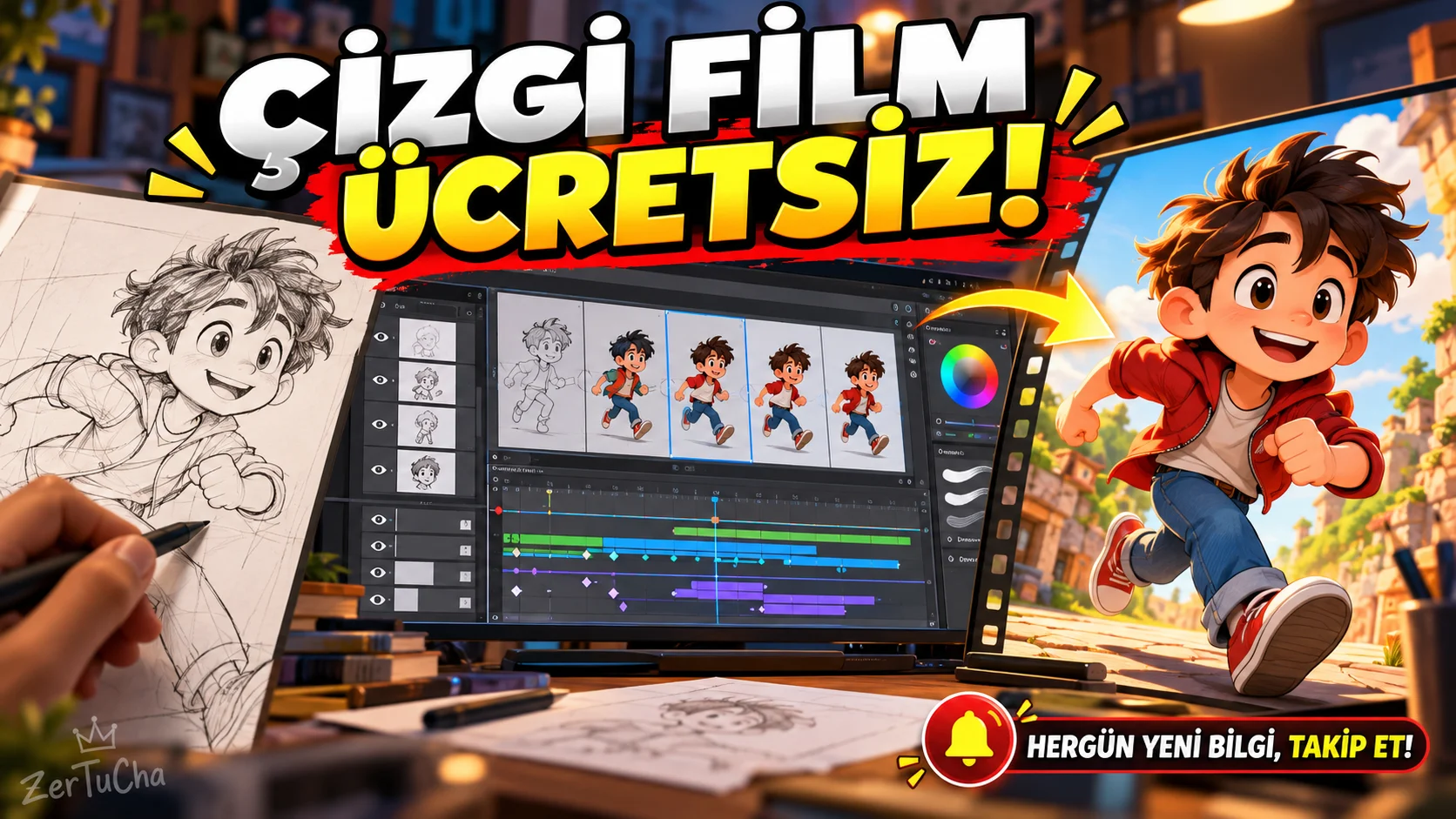
Main program and free alternative
- Paid product: Toon Boom Harmony
- Free alternative: OpenToonz
- Category: 2D animation, cartoon generation and scene compositing.
- Official ready-made installation packages: Windows and macOS. There are also options to compile from source code on Linux.
Fee and license status
OpenToonz is provided free of charge for commercial and non-commercial use. Source code is based on the Modified BSD license; Third-party components may have their own licenses. The official download page includes the 1.8 stable version as well as daily development versions for testing purposes.
Toon Boom Harmony's official store lists Essentials at $259 per year, Advanced at $606 per year, and Premium at $1,161 per year. Regional prices and taxes may vary. OpenToonz
What does it do?
OpenToonz is software used to produce cartoons and 2D animation.
Featured areas of use:
- Preparing frame by frame drawing animation.
- Painting and coloring drawings.
- Arranging scenes through the timeline.
- Combining image layers and effects.
- To manage the drawing and composition processes used in animation production.
The program has a history of development linked to Toonz software customized by Studio Ghibli. This doesn't mean that all of OpenToonz's features today were developed directly by Ghibli. OpenToonz
Advantages
- No ongoing license fees required.
- Can be used in both personal and commercial projects.
- Provides drawing, coloring and scene compositing tools.
- Suitable for traditional frame-by-frame animation workflows.
- Since the source code is open, it is open to community contributions.
Disadvantages
- The interface and working logic may seem complicated to first-time animators.
- Does not fully meet all the features and professional support ecosystem of Toon Boom Harmony.
- You may need to research ready-made training resources and workflows.
- Daily development releases should not be considered at the same reliability level as stable releases.
Better for whom?
It can be considered by independent animation producers, cartoon enthusiasts, students and those who want to prepare original 2D animations for YouTube.
Recommended initial use
- Install the stable version from OpenToonz's official site.
- Create a new scene.
- Start with a simple character sketch or imported artwork.
- Create first frames in timeline.
- Edit a small movement of the character frame by frame.
- Use the painting and scene compositing tools.
- Export a short animation and control its playback.
Official sources:
You want to make your own cartoon, but do the subscription fees for professional animation software seem high? Then it might be time to get to know OpenToonz.
OpenToonz is an open source software used to produce two-dimensional animations. You can prepare your drawings, create frame-by-frame motion, edit colors and combine your scenes.
The most important advantage is that you can start without paying any license fees. This is a great opportunity, especially for those who develop their own animation projects.
So is it the same as Toon Boom Harmony? No. Harmony has different licensing options, professional workflows and support services. OpenToonz may require more learning and experimentation for some users.
But if you want to get into cartoon production, animating your own characters, or creating original animations for YouTube, check out OpenToonz. Maybe the tool you need is more accessible than you think.

Henüz yorum yapılmamış. İlk yorumu siz yapın!
Bir Yorum Bırakın