

Do You Want to Send Notifications to Your Phone from a Website or Automation?
-
Application: ntfy
-
Would you like to receive an automatic notification on your phone when a process running on a computer or server is finished? ntfy is a tool designed exactly for this job.
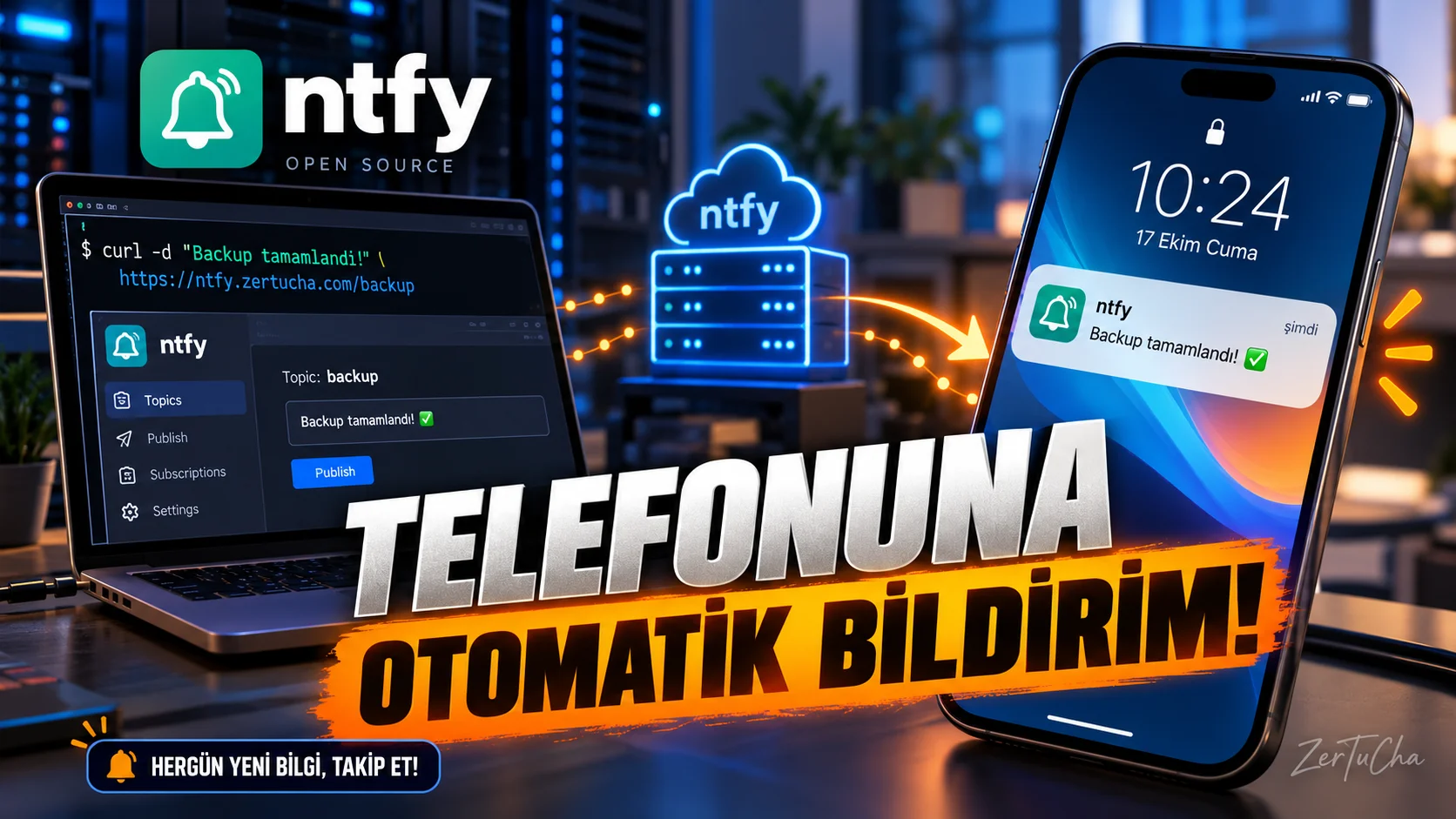
ntfy can send notifications to your phone. For example, you can be notified when a backup process is completed, a job fails, or a specific event occurs in the automation you have set up.
There are Android and iPhone applications. The basic software is open source and free. If you want, you can use the public service or set up your own server.
But this app is a bit technical. You need to learn concepts such as notification topic, HTTP request, and access settings. Also, you should not post private information in a public topic.
In short, if you want to send notifications to your phone from their own systems, you can research ntfy. Not a casual messaging app, but a tool for automation enthusiasts.
What does it do?
ntfy can be used to send notifications to your phone when a technical service or automation occurs.
For example:
-
Receive notifications when a job on your server is completed.
-
Sending an alert to your phone when a script gives an error.
-
Receive notifications from supporting automation tools.
-
Tracking a specific event of a system at home or work.
This application is not an ordinary messaging application. It's more of a tool that makes it easier for services to send notifications to each other.
Highlights
-
Sending notifications via HTTP requests.
-
Topic-based notification subscriptions.
-
Android and iOS notifications.
-
Web interface.
-
Optional running your own server.
-
Integration into technical workflows and automations.
Why is it worth trying?
ntfy is that you don't necessarily have to rely on a large automation platform to send notifications. You can send notifications from compatible systems with a simple HTTP request.
An especially practical tool for users who build small software projects, home servers or their own automation.
Advantages and disadvantages
Advantages
-
There are Android and iOS applications.
-
Open source.
-
Basic usage is free.
-
You can run your own server.
-
Can be integrated with technical automations.
Disadvantages
-
Setup and subject logic may seem complicated for simple users.
-
Using public topic names on a public server may pose a privacy risk.
-
Running your own server requires technical knowledge and maintenance.
-
Free service may have usage limits.
Who is it suitable for?
Suitable for those who work with technical tools, those who run small servers, developers and those who want to receive notifications from automations. It's not the right tool for users who just want to message their friends.
Get started guide
-
Download the mobile application from ntfy's official website.
-
Create a topic name for the experiment that is not easy to guess.
-
Subscribe to the same topic in the app.
-
Check out the simple HTTP notification example in the official documentation.
-
Test that the notification reaches your phone.
-
Configure topic privacy and access settings before connecting to real systems.
Privacy and reliability
ntfy's privacy policy states that creating an account is optional and you can host your own server. However, when sending notifications on a public server, be careful that the topic name and message do not contain sensitive information. Using your own server increases control but leaves the responsibility for secure configuration up to you.
-




Henüz yorum yapılmamış. İlk yorumu siz yapın!
Bir Yorum Bırakın